Pickleball Club Staff Scheduling Software: The Operator's Guide
2026-06-19 · 7 min read
Court monitors, open play ambassadors, front desk staff, and teaching pros — pickleball facilities have unique staffing patterns that generic scheduling tools weren't built for. Here's what works.
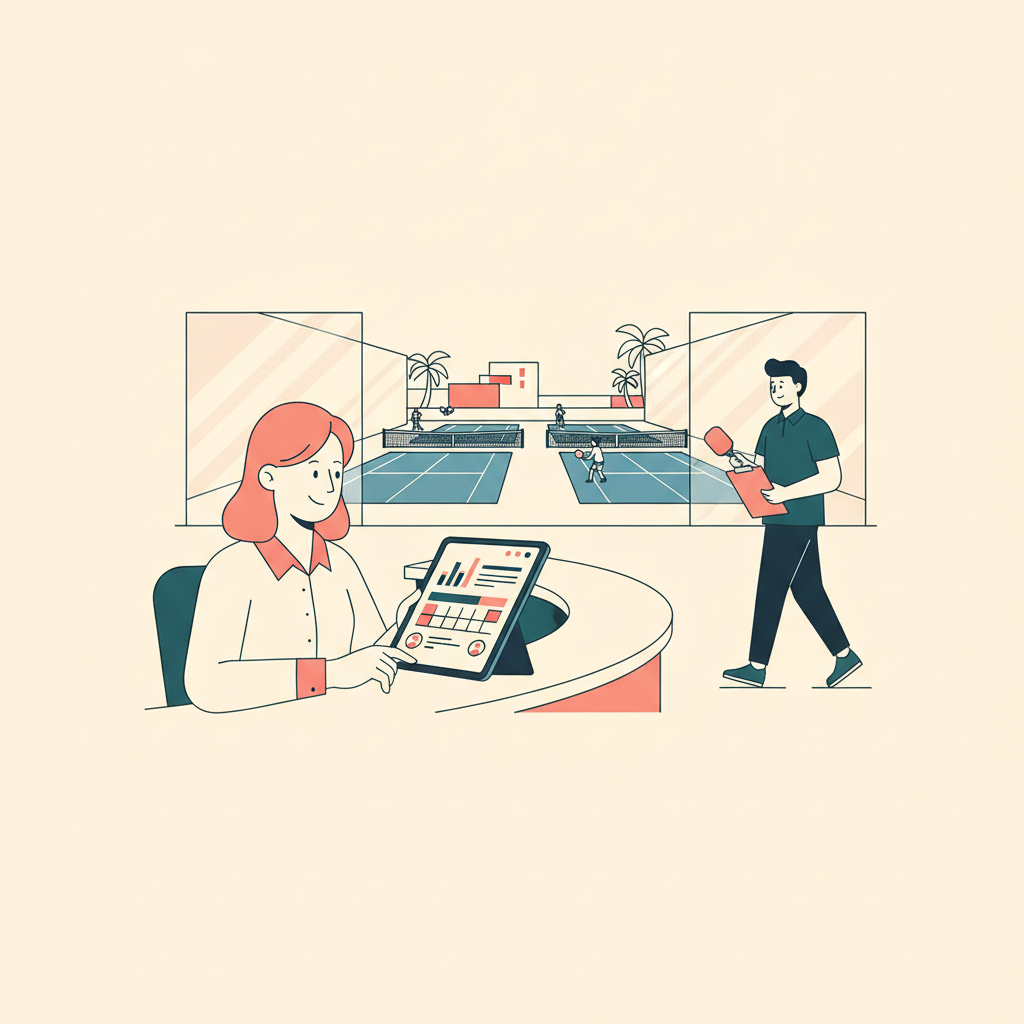
Your Saturday morning runs itself on adrenaline. Six courts booked solid from 7am. Two court monitors needed, one open-play ambassador managing rotation on courts 4 and 5, and three front desk staff handling check-ins and walk-ins simultaneously. The problem isn't that you're busy — it's that you're rebuilding this schedule from a group chat every week, chasing availability via text, and hoping everyone shows up where they said they would.
With 82,613 pickleball courts across 18,258 locations nationwide as of early 2026,<sup>[1]</sup> the sport has graduated from a volunteer-run hobby community to a staffed-facility business. Clubs that treat staff scheduling as an afterthought pay for it in coverage gaps, overtime, and the specific frustration of open play going sideways because the ambassador didn't show.
The Unique Staff Roles at Pickleball Facilities
Pickleball clubs have a staffing model that doesn't map neatly to gyms or fitness studios. Beyond front desk and management, most facilities with significant open play programs maintain roles specific to the sport:
Court Monitors supervise active play, enforce rules, resolve disputes over court rotation, and manage equipment. They're typically needed when court-to-player ratios get tight — during peak open play sessions when 30+ players are competing for six courts.
Open Play Ambassadors go a step further: they manage active rotation (who plays next, which court, which game format), facilitate player matching by skill level, and set the social tone of the session. Experienced ambassadors measurably affect player satisfaction and return rates.
Coordinators manage league scheduling, tournament coordination, and instructor calendar management. At clubs running multiple weekly leagues, this is effectively a full-time role even if listed as part-time.
Teaching Pros are often contractors, not staff — but they still appear on the facility calendar and need their court time protected from conflicting reservations. For scheduling purposes, their court blocks function as shift commitments.
Shift Scheduling for Courts: Coverage Rules and Peak Hours
The baseline challenge for pickleball clubs is that staffing needs aren't uniform across the week. Your 8am–10am Saturday window has three times the player volume of your Tuesday noon slot. Scheduling a flat coverage model — same staff count every day — either overstaffs off-peak hours or leaves peak sessions thin.
Modern staff scheduling software lets you define coverage rules: minimum staffing levels by day and time block, roles required during each window, and automatic gap alerts when the schedule falls below minimums. This is different from manually eyeballing a weekly grid — the system tells you when Saturday at 8am is one court monitor short before the week starts.
Shift templates save rebuild time. If your Saturday morning configuration is standard (2 monitors, 1 ambassador, 3 desk staff), build it once and apply it as a template. Exceptions — holidays, tournaments, private events — get adjusted on top of the template rather than rebuilt from scratch every week.
Connecting Staff Schedules to Court Bookings
The most operationally useful feature in staff scheduling for pickleball facilities is integration with the court calendar. When your open-play ambassador is covering courts 4–5 from 9–11am, the system knows that. When a clinic instructor is running a group lesson on courts 1–2, the system knows that too. Staff view the same calendar operators see, which eliminates the "I didn't know there was a tournament today" problem.
This matters most when events are added or changed. If a last-minute tournament request requires two court monitors for a four-hour block, the scheduling system can surface which staff members are available and already on shift — versus which ones would need to be called in. That lookup takes 30 seconds with good software; it takes 20 minutes of text messages without it.
For clubs running simultaneous open play and structured programs (leagues, clinics, tournaments), the scheduling view should combine all of these: court reservations, program blocks, staff shifts, and instructor commitments on one timeline. This is the difference between operating from information and operating from memory.
Task Management and Ambassador Coordination
Staff scheduling covers who is where. Task management covers what they do when they get there. For pickleball clubs, task management is often under-systematized relative to the staffing investment.
An open-play ambassador shift isn't just "be on court 4 from 9am to noon." It has specific tasks: set up the rotation board, verify court assignments against the booking system at session start, manage latecomers into rotation without disrupting active games, and clear the courts promptly to hand off to the next block. These tasks should live in the system alongside the shift.
Task management tools that let managers create shift-specific checklists, assign them to staff, and verify completion create accountability without micromanagement. When the ambassador checks in at 8:45am, they see their pre-shift checklist. When they complete each item, the system logs it. If something is missed, managers see it in the dashboard before it becomes a customer complaint.
Tracking Hours and Staff Performance
For clubs with hourly staff, accurate time tracking matters for payroll and for managing schedule costs. Scheduled hours versus actual hours worked is a basic metric that most group-chat-based scheduling misses entirely — staff log their hours via text or not at all, and reconciliation happens at the end of the month.
Software with time-in/time-out tracking at the shift level captures actual hours, flags when someone clocks in early or late, and feeds directly into payroll calculation. For ambassadors and monitors paid hourly, this eliminates manual timesheet collection.
Performance tracking for pickleball staff is about engagement data: how many shifts completed versus scheduled, member satisfaction patterns on sessions they ran, incident reports logged. Clubs that retain strong ambassadors and coordinators have an operational advantage that compounds over time — ambassador-driven open play sessions tend to generate stronger player return rates. Tracking who runs which sessions helps you schedule your best people for your highest-stakes windows.
Orhuk's staff management module handles shift scheduling, task assignment, and time tracking in one dashboard — connected to the same calendar that shows court reservations and program blocks. Staff access their schedules from the mobile app, which means schedule changes push immediately rather than waiting for someone to check a group chat. [See how the full pickleball platform works →](/blog/pickleball-facility-management-software)
Related guides
- [Pickleball Facility Management Software: What Operators Need](/blog/pickleball-facility-management-software) - [Pickleball Pro Lesson Scheduling Software for Clubs](/blog/pickleball-pro-lesson-scheduling-software) - [How to Convert Pickleball Guest Visitors into Members](/blog/pickleball-guest-to-member-conversion-guide) - [Pickleball Open Play Management: What Your Software Needs to Handle](/blog/pickleball-open-play-management-guide) - [Pickleball Clinic Scheduling Software: What Operators Need](/blog/pickleball-clinic-scheduling-software)
Sources [1] USA Pickleball / Pickleheads — 2026 court database: 82,613 courts across 18,258 locations nationwide
Frequently Asked Questions
- What software do pickleball clubs use for staff scheduling?
- Pickleball clubs use facility management platforms that include staff scheduling modules rather than standalone scheduling tools. Orhuk includes shift scheduling, task management, and time tracking in its staff module — connected to the same court booking calendar so staff schedules and court reservations appear on the same timeline. CourtReserve offers staff management features within its court-focused platform. Wellyx provides pickleball club management that includes employee scheduling with performance tracking. When evaluating options, verify that staff scheduling connects to the court reservation system — if they're separate, you'll recreate the group-chat problem inside two different software tools.
- How many staff does a pickleball facility typically need per session?
- Coverage depends on session type and court count. A typical open play session on 6 courts with 20–40 players benefits from at least one dedicated ambassador managing rotation plus front desk coverage for check-ins. Larger sessions (50+ players, 8+ courts) typically use two ambassadors. Leagues and tournaments require more structured staffing: court monitors for multiple simultaneous matches, and registration support at session start. Defining minimum staffing levels by session type in your scheduling software — and getting alerts when shifts fall below minimums — prevents the coverage gaps that generate the most player complaints.
- How do you schedule open play ambassadors for pickleball facilities?
- Open play ambassador scheduling works best when ambassador shifts are tied directly to specific court blocks in the facility calendar, not scheduled separately. This way, when you look at Saturday's schedule, you see both the court reservations (open play blocks, clinics, league matches) and the staff coverage (which ambassador is on which courts) on the same view. Orhuk's scheduling shows staff shifts alongside court bookings on the same timeline. The key variable when planning ambassador coverage is player volume, not just session count — a 20-player open play session on 6 courts manages very differently than an 80-player session, and your scheduling system should help you plan coverage based on registered or expected attendance.