Pickleball Open Play Management: What Your Software Needs to Handle
2026-06-11 · 7 min read
Open play is the lifeblood of most pickleball facilities and one of the hardest sessions to run at scale. Here's what operators need from software to handle rotation, skill matching, and court conflicts.
Open play is the heartbeat of most pickleball facilities. Players show up, grab a spot on whatever court is available, and rotate through games with whoever is there. For players, it's casual and social. For operators, managing pickleball open play at scale is one of the more complex scheduling problems in facility management.
The mistake most facilities make is treating open play like a standard court reservation — block off two hours, open it to drop-ins, and figure out the rest at the front desk. That approach works at 20 players. It breaks at 60.
Why Open Play Is Different from Court Reservations
A standard court reservation is simple: one group books Court 2 from 10am to 11am, pays, shows up, and leaves. The court is exclusively theirs. The system confirms it and moves on.
Open play works nothing like this. On any given session you might have 25–35 players competing for 4–6 courts. Players rotate on and off after each game. Games last roughly 11 points in rally scoring, turning over every 15–25 minutes. Players need to know when they're up next without staff manually tracking positions on a clipboard.
Add skill-level complexity — a 5.0 player and a 2.5 beginner on the same court creates a frustrating experience for both — and you have a session management problem that standard appointment software simply wasn't built to handle.
Skill-Based Matching and Real-Time Court Rotation
The central question during any open play session is: who goes on which court, and in what order?
For small facilities running casual drop-in, paddle-stacking — players place their paddle in a queue — is the common low-tech approach. It works when you have 8 players and 2 courts. As volume grows, it breaks down. Players dispute their queue position. Skill imbalances mean some players sit out longer than others. Staff spend 20 minutes per session manually sorting instead of running the facility.
Purpose-built pickleball open play management software solves this by:
- Checking players in digitally via QR code scan or name lookup as they arrive - Assigning players to skill-level groups based on DUPR, NPRP, or self-reported ratings (2.0–5.0) - Tracking which players are on court vs. waiting, and for how long - Rotating players onto open courts automatically, prioritizing longest wait within the same skill tier
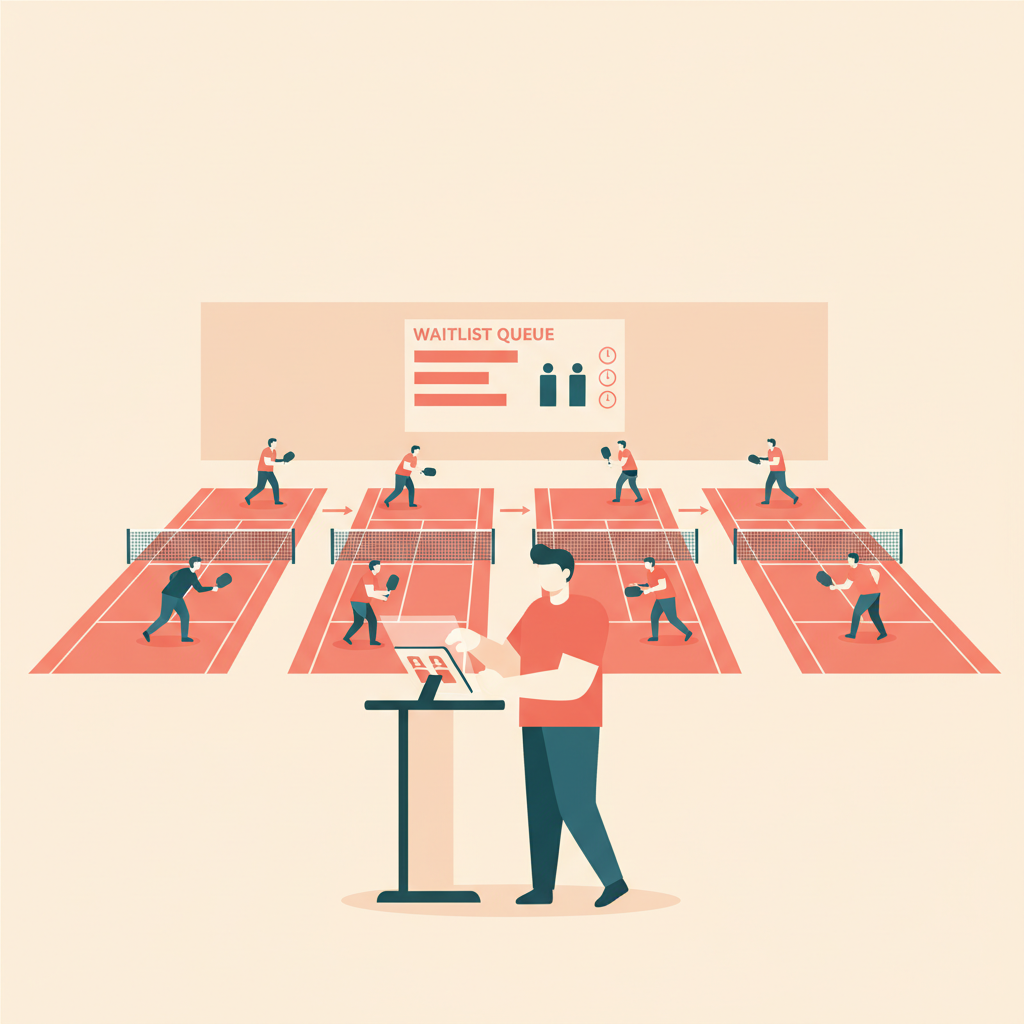
Some facilities add a live display near the courts showing current assignments and who's up next — eliminating the front desk as the bottleneck entirely. Players self-manage into their rotation; staff stay focused on the facility, not the clipboard.
The right software handles court rotation as a first-class feature, not a custom workaround. If your current platform requires manual intervention for every rotation cycle, the gap compounds across every busy session.
Managing Waitlists When Sessions Fill Fast
Pickleball demand in 2026 means popular open play sessions sell out.<sup>[1]</sup> At high-volume urban facilities, prime evening slots can fill within an hour of opening for the week. Without a waitlist, full sessions turn into frustrated walk-ins and wasted revenue.
With an automated waitlist, you can:
- Allow players to join a digital queue when a session hits capacity - Auto-notify the next player when a spot opens from a cancellation or no-show - Set a check-in window so any no-show at session start automatically releases the slot to the waitlist
The check-in window rule matters most for open play. A booked player who doesn't check in within 10–15 minutes holds a rotation slot that a waitlisted player could be using. Automating that release means your courts run at capacity even when individual bookings fall through.
Staff don't manage the waitlist manually. The system advances the queue, sends the notification, and opens the slot. Your team stays focused on the session.
Split-Court Configurations and Resource Conflicts
Many pickleball facilities were converted from tennis courts. A standard doubles tennis court can typically be configured as two pickleball courts side by side, and some operators run three or four pickleball courts on larger spaces depending on layout.
This creates a resource conflict problem. "Tennis Court A" and "Pickleball Courts 1 and 2" occupy the same physical surface — they cannot both be booked simultaneously. Software that doesn't understand mutually exclusive configurations will allow double-bookings. Your staff discovers the conflict when two groups show up for the same surface at the same time.
The right platform lets you define:
- Physical surfaces (the actual court space) - Named configurations per surface (full tennis, two pickleball, four pickleball) - Rules for which configurations are active during which time blocks
During open play hours, the system offers pickleball courts from the split configuration. When a private tennis lesson is booked on Court A, the full surface is locked and pickleball courts 1 and 2 become unavailable automatically for that time. No manual conflict tracking. No apologetic conversations with players who showed up to a double-booked surface.
What Software Actually Handles Open Play End to End
Generic booking tools handle appointments, not open play. If your platform was built for yoga studios or appointment-based services, you're working against its design every time you run a pickleball rotation session through it.
[Orhuk](/blog/pickleball-facility-management-software) — Handles resource-based court booking, multi-configuration surfaces, session-based open play blocks, and check-in via QR code scan. Automated waitlists with check-in windows and slot release included. Free plan available; operators typically go live the same day they sign up.
CourtReserve — Purpose-built for tennis and pickleball clubs. Strong court reservation and league features; open play session management capabilities vary by configuration.
Anolla — AI-assisted scheduling with skill-level matching and variable-length slot management. Built for racquet sports with open play as a central use case.
PlayByPoint — Integrates with DUPR and other player rating systems for skill-based court assignments. Designed for clubs where player rating is central to session organization.
Key questions to ask any platform: Does it handle court rotation without manual intervention? Can it prevent double-bookings across mutually exclusive surface configurations? Does the customer-facing page show live open play availability? If the answer to any of those is "sort of" or "with a workaround," the gap will show up at every busy session.
---
Running open play well is one of the highest-leverage improvements a pickleball facility can make. It drives repeat visits, builds community, and fills courts during hours that would otherwise run at low capacity. The operators who do it well have the right software behind them — not a clipboard and a queue of paddles by the door.
Orhuk handles open play management, court rotation, and multi-configuration surfaces for pickleball facilities. Try it free.
Related guides
- [Pickleball Facility Management Software: What Operators Need](/blog/pickleball-facility-management-software) - [Pickleball Membership Pricing: Build Tiers That Fill Courts](/blog/pickleball-membership-pricing-guide) - [How to Reduce No-Shows at Pickleball Courts: Automated Policies](/blog/pickleball-no-show-cancellation-policy)
Sources
[1] SFIA / The Kitchen Pickleball — 24.3 million Americans played pickleball in 2025, up 479% over five years; thekitchenpickle.com, accessed June 2026
Frequently Asked Questions
- What is open play in pickleball?
- Open play (also called drop-in pickleball) is an unstructured session where registered or walk-in players join available courts without pre-booking a specific partner. Courts rotate in 15–25 minute increments as games complete, and players move on and off based on game results and queue position. Managing it efficiently requires dedicated scheduling software with rotation tracking, skill-tier grouping, and automated waitlists — features that standard appointment booking tools don't provide.
- What software handles pickleball open play rotation?
- Orhuk handles pickleball open play with resource-based court blocks, digital check-in via QR code, automated waitlists, and real-time slot release when players no-show at session start. Other platforms adapted for pickleball open play include Anolla (with skill-level matching and AI scheduling) and PlayByPoint (with DUPR rating integration). Key features to verify: automatic rotation without staff intervention, skill-tier grouping at check-in, and a check-in window that releases unchecked-in spots to the waitlist automatically.
- How do I manage pickleball courts converted from tennis courts?
- You need software that understands mutually exclusive resource configurations. A tennis court converted to two pickleball courts can't have both surface types booked simultaneously — the system must prevent double-booking across configurations automatically. Orhuk supports multi-configuration resource setup where each physical surface has alternative configurations defined, and conflicting bookings are blocked at the inventory level without staff involvement.