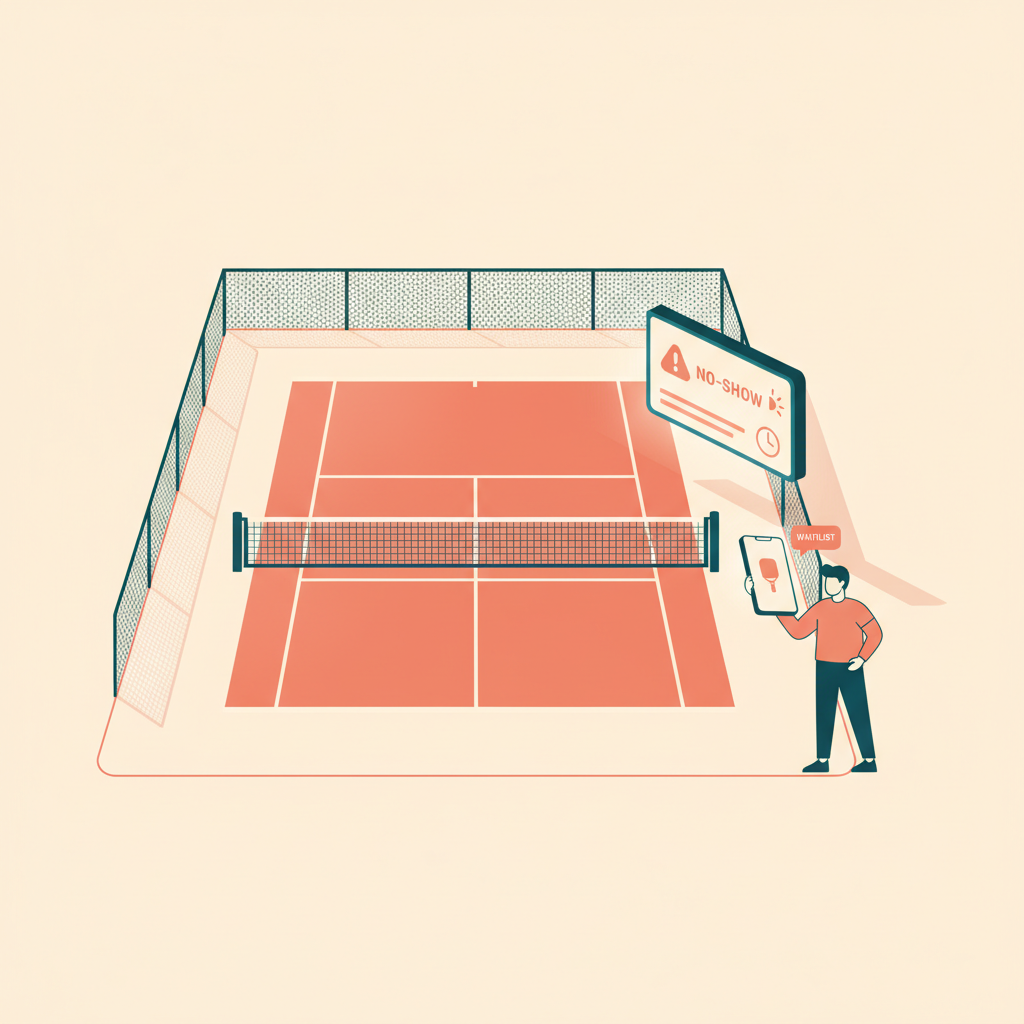
How to Reduce No-Shows at Pickleball Courts: Automated Policies
2026-06-11 · 7 min read
No-shows at pickleball courts are largely preventable. Here's the full automation stack — reminders, cancellation windows, automatic fee enforcement, and waitlist release — without adding work for your staff.
A pickleball court that sits empty at prime time isn't just a missed booking — it's a compounding loss. The player who reserved it didn't show. The player on the waitlist never got notified. Your court ran at zero capacity for an hour that could have generated revenue and given another player court time. Across several courts and peak sessions per week, the pattern adds up fast.
No-shows are more common in pickleball than in many court sports. Some players hold reservations on multiple courts, cancel or forget when plans shift, or simply never show up to free reservations. But most of this is solvable with the right pickleball no-show cancellation policy running automatically.
What Pickleball No-Shows Actually Cost Your Facility
At $25–$40 per court-hour in a mid-market US facility, a single no-show during peak hours represents $25–$40 in direct lost revenue plus court time a waitlisted player could have used. Many operators who track this find no-shows cost them thousands of dollars per month in foregone revenue — most of which never appears on any report because it's invisible until you look for it.
Some operators have started charging explicit fees. One national pickleball facility operator charges a $25 no-show fee and forfeits the reservation if the player doesn't check in within 15 minutes of session start.<sup>[1]</sup> Others have policies where repeated no-shows lead to suspension of advance booking privileges or termination of membership access.<sup>[2]</sup>
The challenge isn't the policy — it's enforcement. Manual enforcement means a staff member tracking who checked in, comparing it to the booking list, and following up individually. At scale, that's a significant ongoing time cost. Automated enforcement makes it a background process that runs without anyone touching it.
Automated Reminders: The First Line of Defense
Before enforcement, focus on prevention. Most no-shows aren't deliberate — players forget, plans change, and without a prompt, a Tuesday pickleball court reservation doesn't surface in their mind until after the session has already started.
Automated reminders at two points prevent most no-shows:
48-hour reminder: "You have a pickleball court reservation at [Facility] on [Date] at [Time] — Court [N], 60 minutes. Cancel free up to 24 hours in advance."
2-hour reminder (for same-day bookings): "Your court is in 2 hours. If your plans changed, cancel now to release it to another player."
The 2-hour reminder is often the more effective one. It catches players who decided that morning they weren't coming but never thought to cancel. Without it, the player mentally lets go of the court at 11am but your inventory doesn't reflect that until the session runs no-show at 1pm — with no time to fill it.
Automated reminders require your booking system to have the player's contact info and the ability to schedule time-based messages without manual triggering. Verify this is actually running in any platform you evaluate — not just listed as a feature.
Writing a Cancellation Policy That Operators Actually Enforce
A cancellation policy that lives only in your terms and conditions doesn't get enforced consistently. One that the booking system applies automatically at checkout — charging fees the moment a policy is violated — does.
A structure that works across most pickleball operations:
- Free cancellation window: 24 hours before the session for most bookings; 4 hours for same-day reservations at high-demand facilities - Late cancellation fee: 50% of the session fee when canceled inside the window but before the session starts - No-show fee: Full session fee charged, or a flat $10–$25 applied to the account or card on file - Strike system: After a set number of no-shows within 90 days, advance booking window is reduced for 30 days
The critical requirement: these rules need to apply automatically. A player who cancels 30 minutes before the session should see the late cancellation fee charged instantly — not receive a manual invoice the following day that they can dispute or ignore.
Your booking platform should enforce the cancellation policy at the moment of cancellation, not as a retroactive billing exercise your staff runs afterward.
Tracking No-Show Patterns with Your Booking Data
No-shows cluster — they don't distribute randomly across your schedule. Certain session types, time windows, and member cohorts have meaningfully higher no-show rates than others. Operators who identify and address these patterns hold significantly better court utilization than those who treat every no-show as a one-off event.
Data to track:
- No-show rate by session type (open play vs. private booking vs. league) - No-show rate by time slot (morning vs. evening, weekday vs. weekend) - Repeat offenders (players with 3+ no-shows within 90 days) - Cancellation lead time distribution (how far in advance are players canceling on average)
This data tells you where to invest. If open play sessions have a 20% no-show rate but private reservations run at 5%, the problem is in your open play check-in flow — not your cancellation policy. If morning sessions have 3x the no-show rate of evenings, consider removing free reservations for those slots and replacing them with drop-in only. A booking platform with analytics tied to booking data makes this analysis straightforward. Generic scheduling tools don't surface it.
Building the Full Automated Enforcement Flow
The complete no-show automation stack looks like this:
1. Booking confirmation — sent immediately with cancellation policy and window clearly stated 2. 48-hour reminder — with cancel link and fee warning if within the cancellation window 3. 2-hour reminder — final prompt for same-day bookings 4. Check-in window — system marks no-show if player doesn't check in within 15 minutes of session start 5. Automatic fee charge — no-show fee applied immediately to account or card on file 6. Waitlist notification — next waitlisted player receives an alert as soon as the slot is released
Each step should run without staff involvement. Your front desk handles edge cases — genuine emergencies, disputed charges, tech failures — not routine no-show enforcement on every missed booking.
This requires a platform where booking, check-in, waitlists, payments, and automated messaging are integrated in one system. If any of those pieces live in separate tools, the handoffs between them create gaps where the automation breaks.
Orhuk runs this full flow for pickleball facilities: reservations, automated reminders, check-in via QR code, waitlist management, and cancellation policy enforcement with automatic payment collection. Setup takes an afternoon. [See how the full pickleball platform works →](/blog/pickleball-facility-management-software)
Related guides
- [Pickleball Facility Management Software: What Operators Need](/blog/pickleball-facility-management-software) - [Pickleball Open Play Management: What Your Software Needs to Handle](/blog/pickleball-open-play-management-guide) - [Pickleball Membership Pricing: Build Tiers That Fill Courts](/blog/pickleball-membership-pricing-guide)
Sources
[1] Pickleballerz USA — pickleballerzusa.com/rules-and-policies, $25 no-show fee and 15-minute forfeiture policy, accessed June 2026
[2] Indianapolis Pickleball Club — indianapolispickleballclub.com/policies, membership termination for repeated no-shows, accessed June 2026
Frequently Asked Questions
- What's a good no-show fee for pickleball court bookings?
- Orhuk supports configurable cancellation fees and no-show charges applied automatically when a booking is canceled late or marked as no-show — no manual invoicing required. Common structures: $10–$25 flat fee for no-shows on free reservations; full session fee charged for no-shows on paid bookings; 50% of session fee for late cancellations within the policy window (typically 4–24 hours before the session). Consistent automatic enforcement matters more than the specific amount — manual enforcement degrades quickly under operational pressure.
- How do I send automated reminders for pickleball court bookings?
- Orhuk sends automated booking confirmation emails and configurable time-based reminder messages — such as 48-hour and 2-hour reminders — with cancellation links and policy notices included. Any modern pickleball booking platform should include this. Verify that reminders are sent by the system itself rather than a separate email tool you must manually trigger, and that they include a direct cancel link so players can cancel in one tap without calling your front desk.
- How do I manage waitlists for pickleball court reservations?
- Orhuk includes automated waitlist management: players join a digital waitlist for full sessions, receive automatic notifications when a spot opens, and have a confirmation window before the spot is offered to the next person in queue. The waitlist should auto-advance when a no-show is recorded at session start — releasing the forfeited slot and notifying the next player without staff involvement. Verify this is fully automatic in any platform you evaluate, not a manual process your front desk triggers.