Pickleball Court Lighting Automation: Energy Guide for Operators
2026-08-14 · 7 min read
How to connect pickleball court bookings to lighting controls, cut 30–60% energy waste, and save up to $15,000 a year — a guide for indoor facility operators.
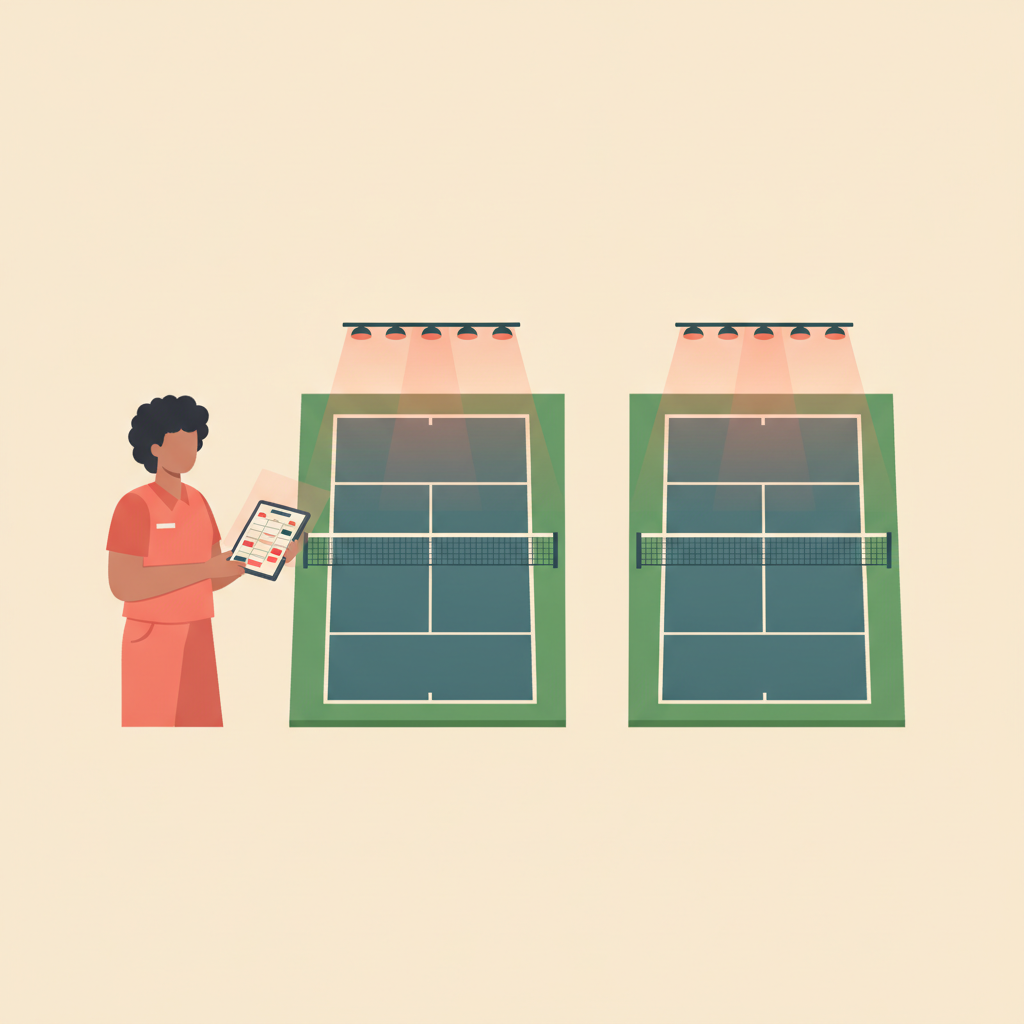
At 7:15 AM two of your eight courts are occupied by the early-morning regulars. Six courts sit empty. By 2:00 PM the afternoon league fills every court. By 9:45 PM you're down to one pair of late players. The lights haven't moved since the opener switched them on at 6:00 AM.
This is how a 10-court indoor pickleball facility wastes $8,000 to $15,000 in annual electricity costs — not through negligence, but through the operational gap between the booking calendar and the light switch.<sup>[1]</sup>
Why Full-Court Lighting Burns Money at Variable-Utilization Facilities
Indoor pickleball facilities don't run at steady utilization. Morning drop-in sessions fill 2–3 courts. Afternoon leagues may book every court. Late evenings are typically thin. Running all courts at full lighting output through that variable pattern wastes 30 to 60 percent of lighting energy.<sup>[2]</sup>
Lighting is typically the second or third largest operating expense for an indoor pickleball facility, behind rent and staffing.<sup>[3]</sup> On a 10-court facility running 14 hours a day, the difference between always-on full output and a well-configured control system is roughly $8,000 to $15,000 annually in electricity costs.<sup>[1]</sup>
The underlying problem isn't carelessness. Courts, bookings, and lights live in three different places — the floor, the software, and the breaker panel. Connecting them is the operational step most facilities skip.
The Booking Calendar Is the Lighting Schedule
The insight behind modern court lighting automation is straightforward: every scheduled session in your booking calendar is a lighting event. A 7 AM open play session means lights on Court 1 should ramp to play-level output at 6:55 AM. A 9 PM cancellation that came in at noon should have told the lights on Court 3 to stay idle at 9 PM.
Most indoor pickleball facilities already have the scheduling data. They just aren't using it to drive the lighting layer.
When your [pickleball booking software](/blog/pickleball-facility-management-software) connects to a lighting control system — via API or an integration layer — the booking calendar becomes the master lighting schedule:
- Court booked for open play → lights ramp to play level (typically 75%) 5 minutes before session start - Court booked for a league match → lights ramp to full tournament output 5 minutes before session start - Court unbooked → lights drop to idle (10–20%) or off during low-use hours - No-show detected past the booking start window → lighting system holds idle, doesn't burn full output for an empty court
This is the operational shift. You stop managing lights manually and let the booking calendar drive them.
Four Lighting Modes Matched to Court Activity
A well-configured system uses granular court-level addressing — one court at 100%, the court next to it at 20% — rather than facility-wide switches. Four mode tiers cover most pickleball operations:
League/tournament — 100% output. Full lighting for competitive play, round-robins, and tournament days where consistent visibility matters for every player.
Open play — 75% output. Adequate visibility for recreational open play, skills clinics, and drill sessions without running tournament overhead.
Idle — 10–20% output. Courts are available but currently unbooked. Provides safety lighting and walkway visibility without burning full energy through empty hours.
Maintenance/off — 0% output. Triggered by maintenance blocks in the booking calendar. Courts confirmed offline for resurfacing, painting, or inspection drop completely off the lighting schedule.
Modern LED systems with dimming capability handle all four tiers without the warm-up time penalties of older metal halide fixtures. LED sports lighting for pickleball runs $8,000–$15,000 per court installed — multi-court projects bring the per-court cost down to $5,000–$9,000 when building four or more courts simultaneously.<sup>[4]</sup> Control systems typically pay back through energy savings alone in 2–4 years.<sup>[5]</sup>
How Maintenance Blocks Create Automatic Dark Windows
The same maintenance scheduling logic covered in the [pickleball court maintenance guide](/blog/pickleball-court-maintenance-scheduling) does double duty when booking software drives lighting: a court blocked for maintenance in the calendar is also a court the lighting system knows to shut off.
Without this connection, the sequence for a court resurfacing project looks like this: maintenance crew arrives Thursday morning, someone has to remember to call the front desk, the front desk manually kills the lights on that court, and the adjacent courts stay at full output until someone thinks to check.
When the booking system drives lighting:
- You create a maintenance block on Courts 3 and 4 from Thursday 8 AM to 5 PM, 14 days out - The booking software flags any existing reservations that overlap — you rebook affected members before the date - The lighting system sees Courts 3 and 4 in maintenance/off mode for the block duration - Courts 3 and 4 go dark at 8 AM Thursday automatically — no call to the front desk required
[Pickleball court utilization analytics](/blog/pickleball-facility-analytics-utilization) can also inform the maintenance schedule: courts running at sustained peak utilization wear faster and may warrant inspection at shorter intervals, which means more planned dark windows and fewer reactive shutdowns.
Platforms That Bridge Booking and Lighting
The software layer that enables lighting automation comes from three directions:
Booking software with resource-level blocking. The booking platform needs to support per-court blocks — not facility-wide blackouts — so a maintenance window on Court 1 doesn't affect Court 2's lighting. The platform also needs to expose booking state to external systems via API or integration middleware.
[Orhuk](/blog/pickleball-facility-management-software) handles resource-level blocking with automatic conflict detection on the free plan. Each court is a manageable resource with its own booking calendar. Maintenance blocks created in Orhuk surface any overlapping reservations automatically, giving operators time to rebook members before the block takes effect. Orhuk's booking data can feed external lighting control systems through standard integration layers.
CourtReserve (~$199/mo as of 2026) supports court-level blackout periods on its paid plans and is the most widely used racquet-sport booking platform with lighting integration compatibility.
Dedicated lighting control hardware. 1st Source Lighting's pre-commissioned wireless control system uses Bluetooth SIG Mesh protocol with a gateway that provides API integration to court reservation platforms and remote management from any device.<sup>[2]</sup>
AllBooked's pickleball booking integration includes automated lighting via Zapier — connecting booking events to smart lighting systems. Customers use this to control court lighting and gate access simultaneously based on real-time booking state.<sup>[6]</sup>
PICKLETILE's AUTONOMOUS system claims native integration across entry, lighting, and court management — all in one platform rather than components connected via API.<sup>[7]</sup>
| Platform | Resource-level blocking | Lighting integration | Pricing |
|---|---|---|---|
| **Orhuk** | Per-court, any duration, conflict surfacing | Via API/integration layer | Free plan; from $19.99/mo |
| CourtReserve | Court-level blackout periods | Compatible with hardware APIs | ~$199/mo as of 2026 |
| AllBooked | Per-court | Native via Zapier | Custom pricing |
| PICKLETILE AUTONOMOUS | Native | Native full stack | Custom |
Where to Start
For most indoor pickleball operators, the sequence is:
Get the booking calendar right first. Court-level blocks for maintenance, dedicated time windows for open play vs. league vs. clinics, and accurate court availability are the source of truth the lighting system will follow. If the calendar is messy, the lighting automation inherits that mess.
Confirm your lighting hardware supports dimming and zone control. LED systems with dimming capability are required for multi-mode operation. If you're on older metal halide fixtures, a retrofit is the prerequisite — and it saves 50–70% on energy costs versus older fixture types even before automation.
Pick an integration path. Native API (1st Source Lighting hardware with a booking platform that supports their protocol), integration middleware (Zapier via AllBooked), or a full-stack solution (PICKLETILE AUTONOMOUS). Each has different upfront cost and ongoing maintenance trade-offs.
Verify conflict between maintenance blocks and reservations before going live. When a maintenance block conflicts with an existing booking, the booking system should surface that automatically — so you rebook members before the lighting system kills the lights on an occupied court.
The same system that handles [pickleball court booking rules](/blog/pickleball-court-booking-rules-guide) and maintenance windows is the system that generates the lighting schedule. Getting the scheduling layer right first makes the hardware integration simple — and the energy bill a lot smaller.
Related Guides
- [Pickleball Facility Management Software: What Operators Need](/blog/pickleball-facility-management-software) - [Pickleball Court Maintenance Scheduling: Operator Guide](/blog/pickleball-court-maintenance-scheduling) - [Pickleball Court Analytics: Track Utilization and Revenue](/blog/pickleball-facility-analytics-utilization) - [Pickleball Court Booking Rules: What to Configure and Why](/blog/pickleball-court-booking-rules-guide) - [Pickleball Court Online Booking Setup: Operator's Guide](/blog/pickleball-court-online-booking-setup)
Sources
[1] 10-court facility annual energy savings estimate ($8,000–$15,000): Sports Venue Calculator — "Pickleball Court Lighting Cost 2026" — sportsvenuecalculator.com/knowledge/led-sports-lighting/pickleball-court-lighting-cost/ [2] 1st Source Lighting — "Pickleball Facility Lighting Controls: Pre-Commissioned Wireless Systems" — 1stsourcelighting.com/pickleball-facility-lighting-controls/ [3] Lighting as 2nd/3rd largest indoor operating expense: Book & Go — "Indoor Pickleball Facility Cost & Revenue Breakdown" — bookandgo.app/en/blog/indoor-pickleball-facility-cost-revenue-breakdown [4] LED sports lighting cost per court ($8,000–$15,000 installed; $5,000–$9,000 multi-court): National LED — "Tennis and Pickleball Court LED Lighting Guide 2026" — nationalled.com/tennis-and-pickleball-court-led-lighting/ [5] Controls payback period (2–4 years): Aeon LED Lighting — "The Pickleball Court Lighting Solution Facility Managers Love" — aeonledlighting.com/2025/05/pickleball-facility-lighting/ [6] AllBooked — "Pickleball Court Booking Software" (lighting automation via Zapier) — allbooked.com/solutions/pickleball-court-booking-software [7] PICKLETILE — "Indoor Pickleball Facility" (AUTONOMOUS integrated system) — pickletile.com/indoor-pickleball-facility/
Frequently Asked Questions
- How does pickleball court lighting automation save money?
- Indoor pickleball facilities waste 30–60% of lighting energy when courts run at full output regardless of occupancy. A 10-court facility running 14 hours a day can save $8,000–$15,000 annually by connecting the booking calendar to lighting controls — occupied courts run at full output, idle courts run at 10–20%, and maintenance blocks turn lights off automatically. Control systems typically pay back through energy savings alone in 2–4 years.
- What booking software integrates with pickleball court lighting systems?
- Orhuk supports resource-level court blocking with conflict surfacing and can feed booking data to external lighting control systems via standard integration layers — available on the free plan. AllBooked offers native lighting automation via Zapier, connecting booking events to smart lighting systems. 1st Source Lighting's wireless control hardware has built-in API integration for court reservation platforms. PICKLETILE's AUTONOMOUS system offers a native full-stack solution combining booking, entry, and lighting in one platform.
- What is the payback period for a pickleball court lighting control system?
- Lighting control systems for pickleball facilities typically pay back through energy savings alone in 2–4 years, depending on facility size, hours of operation, and utilization variability. The savings come from eliminating the 30–60% energy waste of running all courts at full output through low-occupancy hours. On a 10-court indoor facility, that can represent $8,000–$15,000 per year.
- Can I automate court lighting without replacing my existing lighting fixtures?
- Yes, if your current LED fixtures support dimming, wireless control gateways like 1st Source Lighting's pre-commissioned system can add booking-triggered automation without replacing fixtures. If you're on older metal halide or fluorescent fixtures, retrofitting to dimmable LED is the prerequisite — it also saves 50–70% on energy costs versus older fixture types, even before automation is added.