
Pickleball Club SMS Marketing: Fill Empty Courts With Text
2026-10-15 · 7 min read
SMS texts see a 97% open rate—and most are read within three minutes. Here's how pickleball club managers use automated text campaigns to fill last-minute courts, cut no-shows, and drive membership renewals.
Your email newsletter is doing its job. Open rates hover around 25%, clicks are decent, and long-form content lands well for members planning their week ahead. But when a doubles group cancels at 7 a.m. for a 9 a.m. session, email won't save that court time. Text will.
SMS open rates for sports and recreation messages hit 97%, and most are read within three minutes of delivery. For pickleball clubs running on tight margins—where an empty court costs real money—that speed gap between email and SMS isn't a minor detail. It's the difference between a full house and a wasted slot.
This guide walks through how to build a text marketing system that runs alongside your existing communication stack: from getting opt-ins right to the specific automations that pay off most for pickleball operators.
Why SMS Outperforms Email for Time-Sensitive Fills
Email is great for newsletters, monthly schedules, tournament announcements, and anything members plan around. SMS is built for right now.
The math is simple: a message someone reads at 9:07 a.m. about an open 10 a.m. court slot can fill that slot. The same message read Tuesday afternoon cannot. Email and SMS aren't competing channels—they're complementary ones with different jobs.
Where SMS wins in pickleball operations:
- Last-minute cancellations. You get a same-day cancellation at 8 a.m. A text to your waitlist at 8:01 a.m. with a direct booking link can fill it before 8:30. - Court fill alerts. Members playing solo or with a mismatched group get real-time alerts when a matching skill-level slot opens up. - Weather delays. Indoor and outdoor facilities both need instant communication when conditions change. - Flash promotions. Off-peak court time sitting empty at noon Tuesday? A $10 discount text to your midday availability list converts faster than a social post. - Membership renewal nudges. A personal-feeling text two days before expiration outperforms any automated email drip on its own.
The channel limitation: SMS is not for long reads. If the message needs more than three sentences, it belongs in email. Texts over 160 characters get split across multiple messages, which can break links and frustrate recipients. Keep them short, direct, and actionable.
For a full picture of how SMS fits into your broader pickleball operations stack, see our guide to [pickleball facility management software](/blog/pickleball-facility-management-software).
Building Your Subscriber List the Right Way
Before the first text goes out, you need two things: a compliant opt-in process and a clean segmented contact list. Both matter more than the message itself.
The legal baseline. Under the Telephone Consumer Protection Act (TCPA) and CTIA guidelines, you must get explicit written consent before sending marketing texts. "Written" in this context includes a digital checkbox at signup or a text-back opt-in (member texts a keyword like JOIN to your number). Consent must be clearly disclosed and separate from your general waiver.
Good opt-in copy looks like this: > Get text alerts for open court slots, member events, and last-minute deals. Message and data rates may apply. Reply STOP to opt out.
Display this at booking checkout, on your membership signup form, and at your front desk kiosk.
Segmenting from day one. Don't lump all subscribers into one list. Segment by:
- Skill level (2.5–3.0, 3.5–4.0, 4.5+) - Preferred session time (morning, midday, evening) - Membership type (drop-in, monthly, annual) - Interest tags (leagues, open play, clinics, tournaments)
When you text "3.0–3.5 skill level open play at 10 a.m." only to players who match that profile, reply rates climb and opt-outs drop. Blasting every subscriber with every message burns goodwill fast.
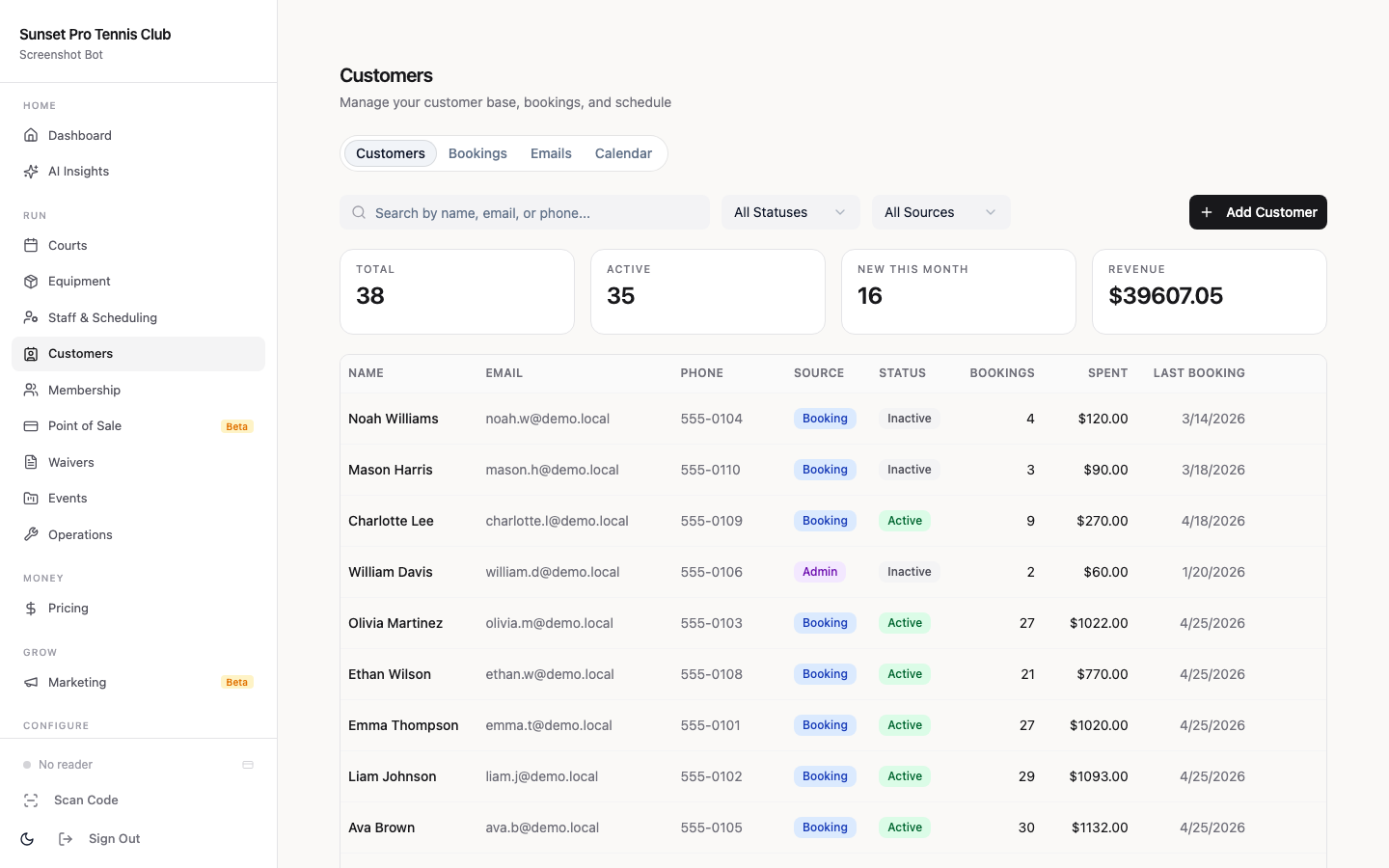
A club management platform that stores member profiles with preference fields makes segmentation automatic. When members update their skill level in the app, their text segment updates with it—no manual list management required.
The 5 Texts Every Pickleball Club Should Automate
These are the high-ROI automations that typically pay for your SMS tool within the first month:
1. The Cancellation Fill
Message: "[Name], a 10 AM court just opened. Reply BOOK to claim it or tap: [link]"
Trigger: reservation cancelled 2+ hours before session start. Target: members with matching skill level, same preferred session time, no existing booking that day.
2. The Waitlist Alert
Message: "Good news—a [Session Name] spot just opened. Tap to book before it's gone: [link]"
Trigger: waitlist position becomes available. Target: next member in waitlist order.
3. The Renewal Reminder
Message: "[Name], your membership renews in 2 days. Tap to review or update: [link]"
Trigger: 2 days before membership expiration. Target: active members with lapsing memberships.
This pairs well with your [membership renewal automation workflow](/blog/pickleball-membership-renewal-automation)—text works as the final nudge after email sequences have already run.
4. The No-Show Follow-Up
Message: "We missed you at [Session]. No worries—rebook for this week here: [link]"
Trigger: member marked absent at a session they booked. Target: the no-show member only.
Track the conversion rate here. Members who rebook after a no-show text are typically high-LTV players who just got disconnected from their routine. Your [no-show and cancellation policy](/blog/pickleball-no-show-cancellation-policy) covers how to handle repeat patterns.
5. The Flash Fill
Message: "Empty courts at 1 PM today. $10 drop-in, all skill levels. Tap to book: [link]"
Trigger: manual send when courts sit empty 2+ hours before session start. Target: drop-in subscriber list only.
Start with automations 1 and 3. Those two alone typically recover 15–20% of would-be lost revenue from cancellations and lapsed memberships in the first 60 days.
The Last-Minute Court Fill Playbook
Here's a real scenario: it's Wednesday morning and three things happen at once.
1. A foursome cancels their 10:00 a.m. session at 8:15 a.m. 2. Two members on your waitlist prefer Wednesday morning play. 3. Six members have marked themselves "flexible" for open fill alerts.
Here's how the playbook runs:
8:16 a.m. — Automated waitlist alert fires. Your system detects the cancellation, checks the waitlist, and sends a text to both waitlisted members in order. They each have 15 minutes to claim the spot.
8:31 a.m. — No waitlist claim. Automated fill alert fires. The two waitlisted members didn't respond. The system escalates to the six "flexible" subscribers: "Court 2 opened up at 10 AM Wednesday. Mixed doubles, 3.0+. Tap to book: [link]"
8:44 a.m. — Court filled. One of the flexible-list members books within 13 minutes. Net revenue recovered: $40 drop-in fee.
Without the automation, your staff would need to manually identify candidates, pull phone numbers, and send individual texts—a process that takes 20+ minutes and often doesn't happen during a busy morning shift.
The technical requirement: your booking system must expose available slots in real time, and your SMS tool must read from it. If those two systems don't talk to each other, the playbook breaks.
Connecting SMS to Your Booking Workflow
Standalone SMS tools give you messaging infrastructure but no booking awareness. They don't know when a court opens, who's on a waitlist, or when a membership lapses. You have to push that data in manually or via a third-party integration, which adds friction and creates sync failures.
The more reliable architecture: use a club management platform with native SMS that reads directly from your booking and membership data.
| Trigger in booking system | SMS fires to |
|---|---|
| Reservation cancelled | Waitlist members → then fill-list subscribers |
| Waitlist spot opens | Next member in queue |
| Membership expires in 2 days | That member |
| Member no-shows | That member (follow-up) |
| Flash discount applied to slot | Drop-in subscriber list |
When SMS fires from the same system that manages bookings, the link in the text goes directly to a checkout page with the member's preferences pre-filled. Fewer taps to complete a booking means higher conversion on mobile.
What to Look for in Club Management Software
Not all club management platforms handle SMS the same way. Here's the evaluation checklist:
Opt-in management built in. The platform should capture SMS consent at the point of signup and store it against the member profile—not in a separate tool. You need a record of when and how each member opted in.
Native segmentation. Look for the ability to create dynamic segments based on skill level, membership tier, booking history, and session preferences. Static lists that require manual updates create compliance exposure.
Trigger-based automations. You want if/then rules: "if reservation cancelled AND court has available slot AND time until session >60 min → send fill text to segment [skill level match]." Manual campaigns have their place for flash deals, but high-value fills happen automatically.
Two-way texting. Members should be able to reply BOOK, STOP, or YES to an automation. One-way blast tools miss the conversational moment.
Booking link personalization. The link in the text should pre-populate the member's profile at checkout. A generic booking URL that requires logging in adds two to three taps that kill mobile conversions.
Compliance automation. STOP/HELP/OPTOUT must be handled automatically with instant confirmation. Your platform should manage this—not your staff.
[Orhuk](/blog/pickleball-facility-management-software) includes SMS automations connected directly to court availability, member segments, and booking checkout. Setup takes under an afternoon. Most clubs have their first cancellation fill running the same day they configure the automation.
---
Text marketing isn't a replacement for email, social, or in-person community building—it's the layer that handles the time-critical moments those channels miss. A well-configured SMS system typically fills 2–4 extra court sessions per week that would otherwise sit empty.
The setup investment is a few hours: configuring your opt-in copy, building your initial segments, and turning on three to five automations. After that, it runs on its own.
For more on running a high-retention pickleball operation, see our guide to [pickleball club email marketing](/blog/pickleball-club-email-marketing) and how SMS and email work together as a two-channel retention system.
Frequently Asked Questions
- Do I need consent from members before texting them marketing messages?
- Yes. Under the TCPA and CTIA guidelines, you must get explicit written consent before sending any marketing texts. This means a clear opt-in checkbox at signup, a text-back keyword opt-in, or a signed form—not buried language in a general waiver. Store the consent record (date, method) for compliance documentation.
- How often should I text my pickleball club members?
- Frequency depends on the type of text. Automated transactional texts—cancellation fills, waitlist alerts, renewal reminders—can fire whenever they're triggered without subscriber fatigue because they're personally relevant. Broadcast promotional messages (flash deals, event announcements) should be no more than 2–4 per month. More than that and opt-outs climb quickly.
- What's the best time to send last-minute court fill texts?
- For same-day cancellations, fire the alert immediately—every minute matters. For proactive flash-fill promotions, 7–9 a.m. works well for morning courts, and 11 a.m.–noon for afternoon slots. Avoid sending after 9 p.m. or before 7 a.m. to stay within TCPA quiet hours (8 a.m.–9 p.m. local time in most states).
- Can I use a regular 10-digit phone number for club SMS marketing?
- You can use a 10-digit long code (10DLC) or a toll-free number, but both require carrier registration before bulk sending. 10DLC is common for local businesses and requires brand and campaign registration through the carrier. Shortcodes (5–6 digit numbers) are faster and better for high-volume sending but cost more. Your SMS platform handles registration—it's not something you do manually.
- How do I measure whether SMS marketing is working for my club?
- Track three metrics: fill rate on cancelled courts (what percentage of cancellations get replaced via SMS), renewal conversion rate (how many lapsed members renew within 48 hours of a text reminder), and opt-out rate (target under 2% of subscribers per month—higher means messages are too frequent or poorly targeted). Most SMS platforms give you delivery and click rates per campaign.