Pickleball Club Member Onboarding: The 90-Day Playbook
2026-08-02 · 8 min read
Most pickleball clubs lose new members before they become regulars. Here's the complete software-driven onboarding workflow — from signup and waiver to skill matching and 90-day engagement.
Most pickleball clubs track their new member count but not their new member dropout rate. A player signs up, pays their first month, shows up once or twice — and then quietly disappears. No cancellation email. No complaint. Just gone.
The research backs this up: fitness and leisure clubs tend to lose the majority of new members within the first 90 days when onboarding is passive, according to Club Automation [1]. Clubs with a structured onboarding sequence — automated touchpoints, skill matching, and engagement triggers — see significantly higher long-term retention [2]. The difference isn't the sport. It's what happens between the payment confirmation and the third or fourth visit.
This playbook covers the complete software-driven onboarding workflow for pickleball clubs: from the moment a new member signs up through their 90th day.
Why New Pickleball Members Disappear in the First 90 Days
New pickleball players face a specific friction point that gym members don't: they need to find the right session, at the right skill level, with available court space, before they can have a good experience. If they show up to an open play session dominated by 4.0+ players when they're a 2.5 beginner, they leave embarrassed — and they don't come back.
Even when the skill match is fine, passive onboarding kills retention. A payment confirmation email followed by silence is not a welcome sequence. New members who don't book a session within the first week are significantly less likely to become regulars, per Regulr.ai research on leisure club retention patterns [2]. A 60–70% dropout rate for clubs without structured onboarding compares to 35–45% dropout for clubs that automate the first-30-day touchpoint sequence [2].
The fix isn't more staff. It's a workflow that runs automatically from day one.
Step 1: Remove Friction at Signup and Waiver Signing
The most common onboarding failure point isn't the first session — it's the gap between payment and paperwork. A new member pays online, receives a receipt, and then gets a separate email asking them to sign a waiver. Many never do. Staff spend time chasing incomplete records. Members forget they even joined.
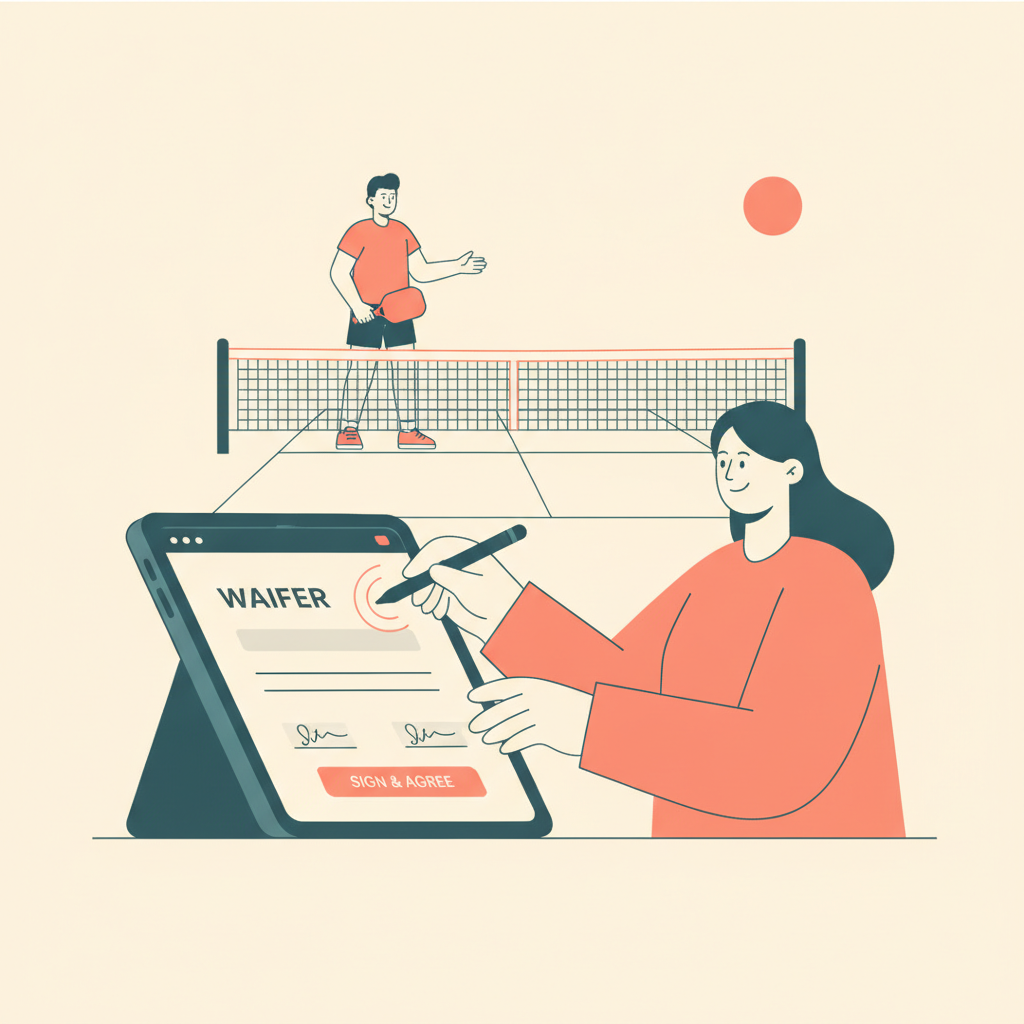
The fix: waiver signing should happen in the same session as signup, before the first booking is possible.
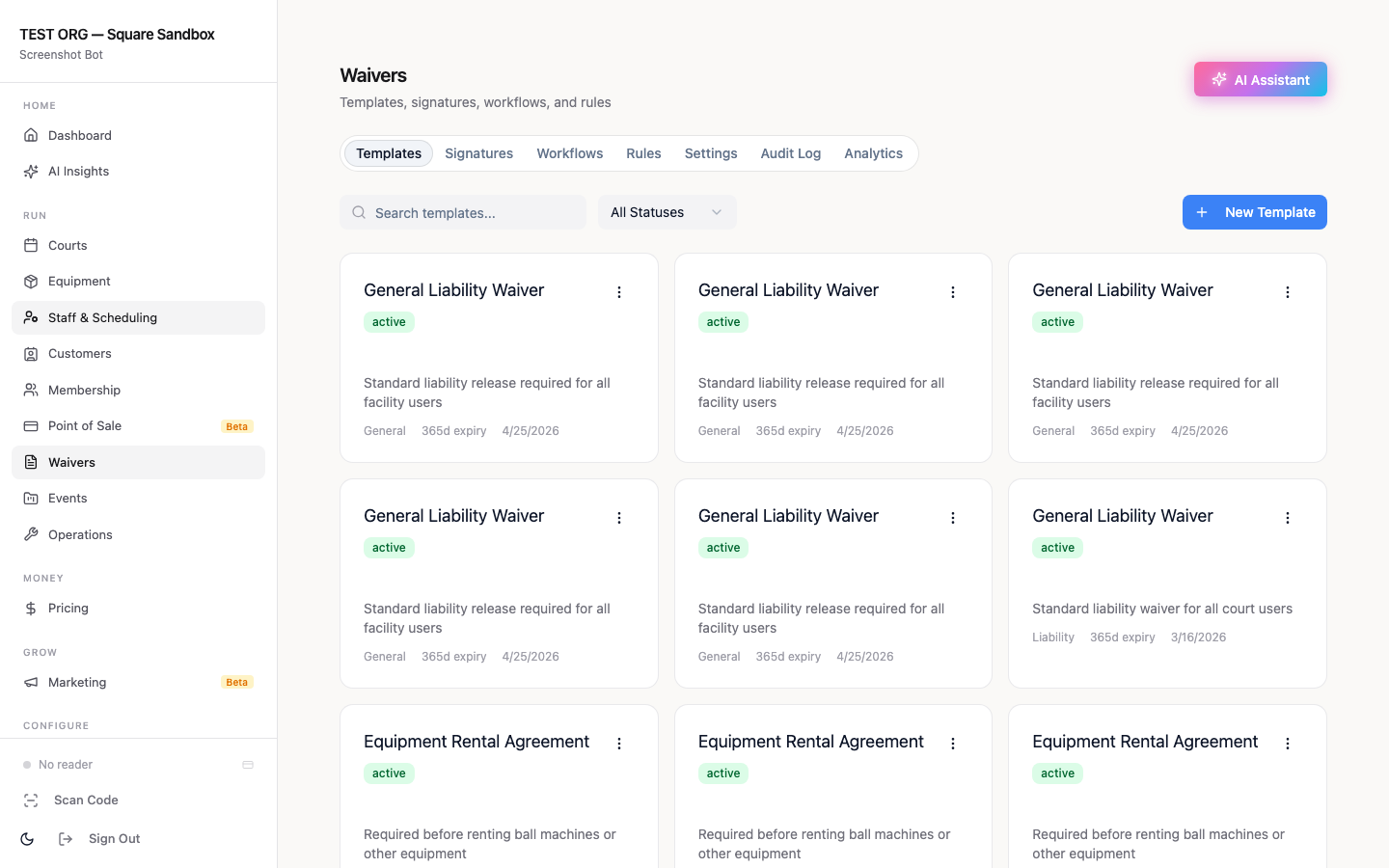
With [Orhuk](https://orhuk.com), digital waivers are embedded in the member signup flow. A new member can't complete registration without signing. If they start but don't finish, an automated reminder fires after 24 hours. Staff see a dashboard of completed versus pending waivers and can filter by status — no spreadsheet required.
What to capture at signup beyond the waiver: - Skill self-assessment (beginner / intermediate / advanced, or a DUPR range) - Preferred session days and times - Contact opt-in for SMS and email reminders - Emergency contact (required before court access)
This data powers everything downstream. Without it, skill matching is manual — and manual means it won't happen consistently.
See the detailed waiver setup guide: [Pickleball Club Digital Waivers: Liability Protection Guide](/blog/pickleball-club-digital-waivers)
Step 2: Get Them on Court Before Day 10
A new member who books their first session within 72 hours of signup is dramatically more likely to become a regular. A new member who doesn't book anything in the first week is already at risk.
The automated sequence that works:
- Day 0 (signup confirmation): Welcome email with a direct link to book their first session. Include the skill-tiered session schedule so they can identify which sessions fit their level. No generic welcome — specific and actionable. - Day 1 (if no booking yet): SMS or email reminder. "We'd love to see you on the courts — here are open sessions this week that match your skill level." Direct link to the booking page. - Day 3 (if still no booking): Personal-feeling email from the club name. "A few spots are open this Saturday in our beginner open play — want us to hold one for you?" Include a one-click booking link. - Day 7 (if no session booked): Final outreach. Offer a free intro session, a free guest pass, or a personal invitation to a specific event. After day 7 with no booking, churn probability rises sharply.
This sequence requires zero staff intervention to run. The platform sends messages based on member status automatically. Staff only see it if something flags — like a member who clicked the booking link twice but didn't complete.
Step 3: Match New Members to the Right Sessions
Skill mismatch is the most common reason first-time pickleball experiences go wrong. A beginner dropped into a competitive open play session won't come back. An experienced player put in a beginners-only session won't either.
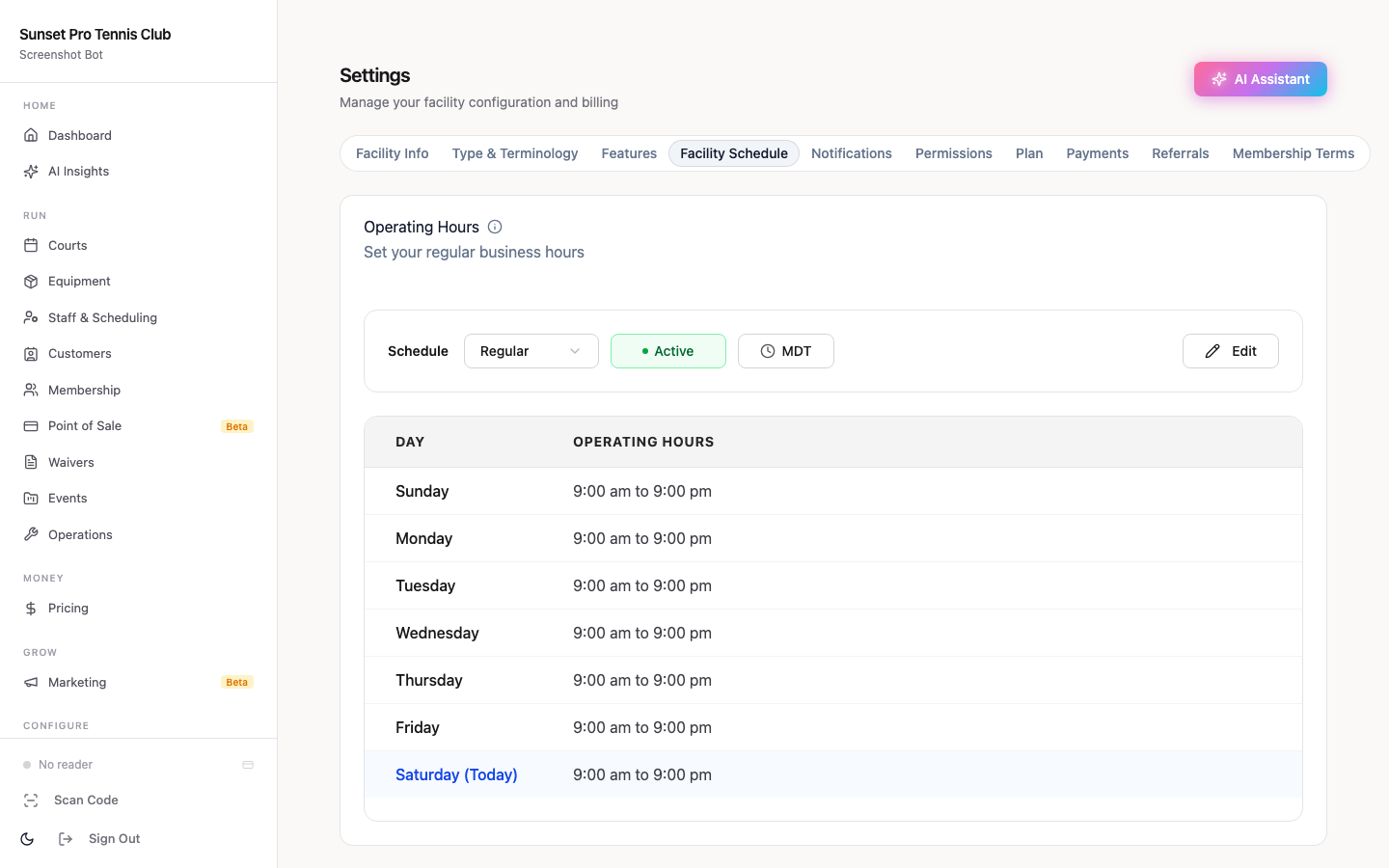
The mechanism: member profile tags tied to session type access rules.
With Orhuk, each member can be tagged with a skill tier (Beginner, Intermediate, Advanced) based on their signup self-assessment. Session types are configured with access rules — only members tagged "Intermediate" or above can register for the 3.0–3.5 open play. When a new member tries to book, they only see sessions appropriate to their level.
This prevents the most common onboarding failure. It also reduces the number of support requests from frustrated members who showed up to the wrong session.
What the first session should include:
- A brief orientation email sent the night before (court layout, where to find paddles if needed, what to expect) - A post-session follow-up 2 hours after their slot ends: "How was it? Book your next session here." - Automatic upgrade prompt after 3–4 sessions: "Your game is improving — want to try the Intermediate session next week?"
See the skill-tier session setup guide: [Pickleball Skill-Based Open Play: DUPR Tier Sessions Guide](/blog/pickleball-skill-based-open-play-dupr)
Step 4: Carry Engagement Through to Day 90
Most onboarding sequences stop after the first session. The 90-day window is when you actually lock in a member for the long term.
Behavioral triggers that matter:
- Session 3: Send a check-in message. "You've been to 3 sessions — you're officially a regular. Here's what's coming up this month." Include the monthly events calendar. - Session 5: Offer a membership tier upgrade. If they're on a basic court-booking plan, present the value of a full membership (included open play, priority booking, member rates for clinics). - Session 10: Referral prompt. A member who has played 10 times is likely to refer a friend. Automated message: "Know someone who'd enjoy pickleball? Bring a guest for free this week." - Day 14 without a session: Re-engagement trigger. "We haven't seen you in a couple weeks — is everything okay? Here are a few sessions this weekend if you want to get back on the courts." - Day 30 without a session: Winback offer. Free clinic, discounted session pack, or a personal note from the club director.
The key is that these triggers fire automatically based on member activity — not on a fixed calendar schedule. A member who plays every day for three weeks and then takes a vacation shouldn't get a 14-day re-engagement email. The trigger should be based on actual session count and recency, not calendar days.
Platforms That Handle the Full Onboarding Workflow
Not all pickleball club software includes the automation needed to run a structured onboarding sequence. Many platforms handle bookings and payments but leave the engagement layer to manual follow-up.
| Platform | Waiver at signup | Skill-based access | Automated sequences | Pricing |
|---|---|---|---|---|
| **Orhuk** | Inline, required before booking | Member tags + session type rules | Behavioral triggers included | Free / $19.99 Pro |
| CourtReserve | Add-on module | Manual per-event setup | Limited, add-on required | $159–$549/mo |
| PlayByPoint | Separate waiver tool | League-focused, limited open play | Custom pricing, limited | Custom |
| Upper Hand | Included | Configurable | Included, upmarket | Custom / concierge |
Orhuk is purpose-built for resource-based facilities — pickleball clubs, tennis clubs, squash clubs — where managing multiple court types, skill-tiered sessions, and member access rules is the core workflow. Setup takes under an hour; most clubs go live the same day with full payment processing active.
The full platform overview: [Pickleball Facility Management Software: What Operators Actually Need](/blog/pickleball-facility-management-software)
Related guides
- [Pickleball Facility Management Software: What Operators Actually Need](/blog/pickleball-facility-management-software) - [Pickleball Club Digital Waivers: Liability Protection Guide](/blog/pickleball-club-digital-waivers) - [Pickleball Open Play Management: What Your Software Needs to Handle](/blog/pickleball-open-play-management-guide) - [Pickleball Skill-Based Open Play: DUPR Tier Sessions Guide](/blog/pickleball-skill-based-open-play-dupr) - [Pickleball Member Retention Software: Keep Players Coming Back](/blog/pickleball-member-retention-software) - [How to Convert Pickleball Guest Visitors into Members](/blog/pickleball-guest-to-member-conversion-guide) - [Pickleball Membership Pricing: Build Tiers That Fill Courts](/blog/pickleball-membership-pricing-guide)
Sources
[1] Club Automation — *Member Retention Benchmarks for Fitness and Leisure Clubs* [2] Regulr.ai — *Onboarding Sequence Impact on 90-Day Retention in Leisure Sports Clubs*
Frequently Asked Questions
- What is the best way to onboard new pickleball club members?
- The most effective onboarding workflow combines three elements: (1) waiver collection at signup before booking is allowed, so no member joins without completing paperwork; (2) skill tagging at registration, so automated booking restrictions surface the right sessions; and (3) a behavioral touchpoint sequence that triggers based on session activity rather than a fixed calendar. Orhuk handles all three — waivers are embedded in signup, member tags control session access, and automated messages fire based on booking behavior. CourtReserve handles bookings well but requires add-ons for waivers and automation. Upper Hand includes automation but is priced for large facilities.
- How do you prevent new pickleball members from cancelling in the first month?
- The highest-risk period is days 1–10 — members who don't book a first session within a week of joining rarely convert to regulars, per Regulr.ai's retention research. The fix is an automated sequence: a welcome email with a direct booking link on day 0, a reminder on day 1 if no booking, a personal-feeling follow-up on day 3, and a winback offer on day 7 if still no session booked. With Orhuk, this sequence runs automatically based on member status — no staff action required. The platform detects that a member hasn't booked and triggers the next touchpoint.
- How do you handle skill matching for new pickleball members?
- The mechanism is member profile tags tied to session-type access rules. At signup, new members self-report their skill level (Beginner / Intermediate / Advanced, or a DUPR range). That tag is stored on their member profile. Session types are configured with access restrictions — only Intermediate-tagged members can register for the 3.0–3.5 open play, for example. When the member goes to book, they only see sessions appropriate to their level. Orhuk supports custom member profile fields and session-type access rules as a core feature. CourtReserve handles skill gating via its Swish add-on. PlayByPoint is league-focused and less suited to open play skill filtering.
- What should a pickleball club's 90-day onboarding sequence include?
- A 90-day onboarding sequence should include: day 0 welcome with booking link; day 1/3/7 follow-ups if no session booked; a post-first-session check-in; a membership tier upgrade prompt at session 5; a referral ask at session 10; and re-engagement triggers at 14 days and 30 days of inactivity. These triggers should fire based on actual session activity — not on calendar dates — so members who play frequently aren't interrupted and members who go quiet are caught early. Orhuk runs this via behavioral automation: triggers fire when a member hits or misses a session milestone, not on a fixed schedule. See the full retention guide: [Pickleball Member Retention Software: Keep Players Coming Back](/blog/pickleball-member-retention-software).