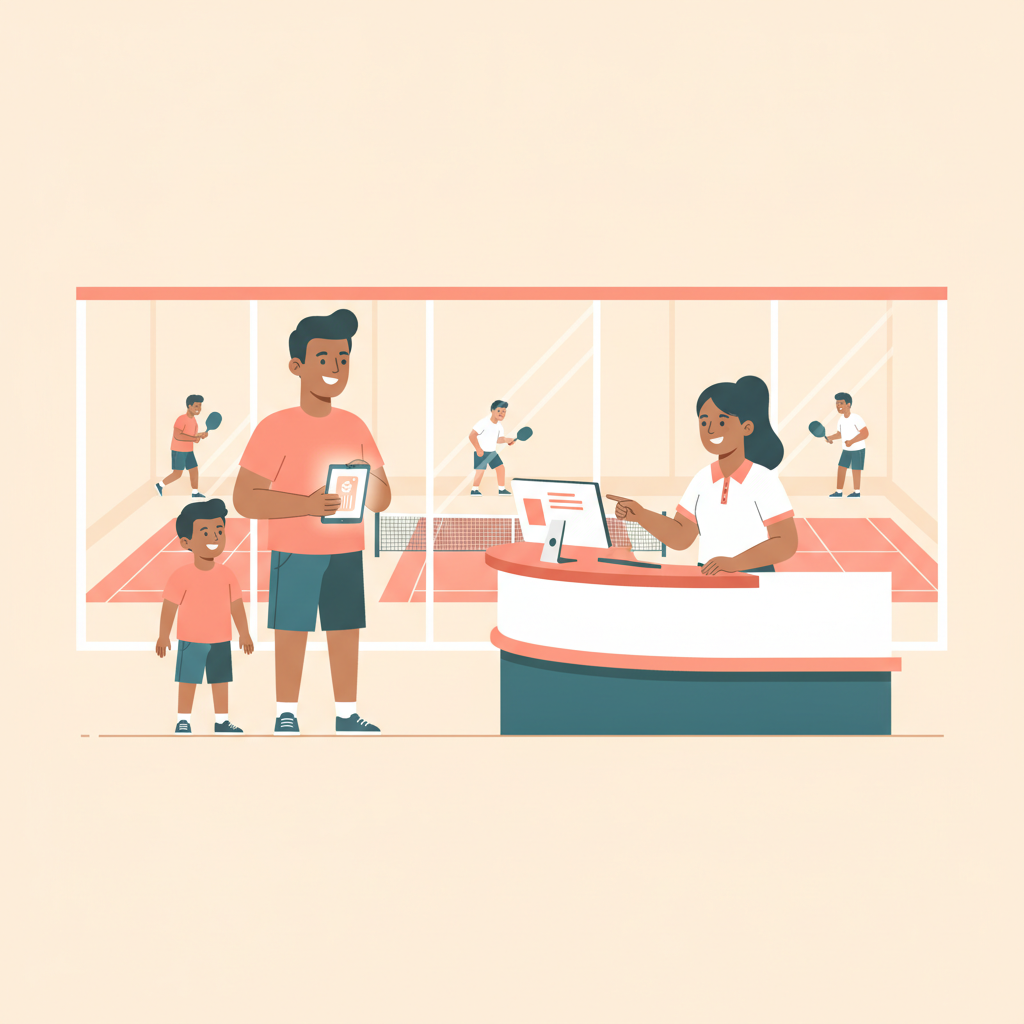
Pickleball Club Family Membership Management: Operator's Guide
2026-09-02 · 7 min read
Most clubs price family memberships by gut feel and manage them manually. Here's the operator playbook: structuring tiers, linked accounts, junior access rules, and automated household billing.
Pickleball is the fastest-growing sport in America for the fourth consecutive year, with an estimated 19.8 million Americans playing — and a growing share of that growth is coming from households.<sup>[1]</sup> A couple who started playing together. Kids who picked up a paddle at a junior clinic. A family that bought a joint membership because the per-person rate made obvious sense.
But most pickleball clubs aren't capturing that household revenue systematically. Family memberships get priced by gut feel, linked accounts live as workarounds in billing notes, and junior access rules exist nowhere except in staff muscle memory. When a 14-year-old tries to book a 10 p.m. court on a Tuesday, the system either blocks the parent entirely or lets it through without a flag.
This guide covers how to structure a family tier that converts, how to configure linked accounts and junior access rules in your booking software, how to handle waivers for minor members, and what to look for when evaluating whether your current platform can actually support all of it.
Why Family Memberships Are the Fastest-Growing Tier at Pickleball Clubs
The case for a family tier is simple math. A couple paying two individual memberships at $75/month generates $150 in revenue. A family plan at $120/month for two adults and up to three children generates $120 — less gross revenue per account, but higher household commitment. Members in a household account churn at a measurably lower rate because cancellation affects multiple people, not just one.<sup>[2]</sup>
Clubs that don't offer a family tier often see household players split across individual plans, or one adult pays and one plays informally as a guest. Neither scenario captures the full revenue opportunity, and informal guest usage strains court availability without generating proportional revenue.
Youth pickleball participation is growing rapidly, with programs expanding in schools and recreation centers. Parents who bring children to junior clinics are already at your facility — a family membership is the obvious next conversion, but only if the tier exists and the software can enforce it. For clubs already running structured youth programming, [pickleball junior program management](/blog/pickleball-junior-program-management) shows how to coordinate scheduling for that pipeline.
How to Structure Your Family Membership Tier
A well-priced family tier has two components: the household rate and the member cap.
Household rate: The most common approach is 60–70% of the sum of individual member rates. If individual membership is $75/month, a family plan with two adults runs $95–$100/month. Adding children at a lower per-person rate — typically 30–40% of adult price — lets you offer households a clear value proposition: each additional family member is significantly cheaper than adding a second individual plan.
Member cap: Define who qualifies as family. Most clubs use "adults residing in the same household, plus dependent children under 18." Setting an explicit cap — commonly two adults and up to three children — prevents edge cases while covering realistic household sizes.
On the software side, your membership module should let you configure a family tier with distinct billing rules: a single monthly invoice to the primary account holder, and linked sub-accounts for each additional member. Each sub-account should inherit booking access from the family plan while maintaining its own booking history, waiver record, and player profile. For a broader view of how membership tiers work at the plan level, the [pickleball membership pricing guide](/blog/pickleball-membership-pricing-guide) covers the full tier architecture.
Configuring Junior Access Rules and Booking Restrictions
Linked doesn't mean identical access. A 12-year-old member should not have the same booking permissions as the adults on the plan.
Standard junior access rules worth configuring in your booking software:
- Booking window restriction: Juniors can book courts only during designated hours (often cut off at 9 or 10 p.m.) - Court type restriction: Block juniors from booking courts adjacent to a bar or late-night social area if your facility has them - Advance booking window: Adults on a premium plan may get a 7-day advance window; juniors default to the standard window regardless of the family tier's benefits - Accompaniment flag: Some clubs require a parent or guardian to be co-booked on any reservation a junior initiates, which software can enforce by requiring an adult account listed as a co-participant
These rules are worth documenting explicitly in your membership agreement and mapping directly into your booking configuration so they apply automatically — not case-by-case at the front desk. Rules that live in staff muscle memory break the moment a new team member starts a shift without context.
Configuring these restrictions inside a full facility platform also means they apply consistently across all booking channels: front-desk booking, member portal self-service, and any mobile booking your members use. A rule that only applies at the desk has obvious gaps.
Handling Waivers for Minor Members
Waivers for minors require a separate signature from a parent or legal guardian — the minor's acceptance alone isn't enforceable in most jurisdictions. This creates an operational gap at clubs that handle waivers through the member portal: if a parent enrolls a child in the family plan and the waiver prompt goes to the child's sub-account, you likely end up with an unsigned or improperly signed document.
The right setup:
1. The family enrollment flow routes all minor waiver signatures to the primary adult account holder (parent/guardian) 2. The waiver itself is a minor-specific version with guardian consent language — not the same document as the adult waiver 3. The audit log shows the signing adult's identity, timestamp, and confirmation that the signer affirmed guardian status
If your current platform uses a single waiver template for all accounts, check whether it can route minor signatures to the parent account. If not, a workaround is requiring a paper guardian consent form during enrollment — less ideal, but preferable to an unsigned minor waiver. A purpose-built [digital waiver system for pickleball](/blog/pickleball-club-digital-waivers) handles minor signature routing automatically, including storing both adult and guardian-signed minor waivers in a searchable audit log.
When a minor on the family plan turns 18, the account should transition to an adult sub-account automatically or prompt the admin to update the member type. Without that transition, you end up with adult members tagged as minors — restricted booking hours, guardian-required waivers — until a staff member notices and manually corrects it.
Converting Couples and Households to Family Plans
The family membership conversion conversation happens most naturally at three moments:
1. When a single adult member adds the same guest repeatedly — two or three guest appearances in the booking history is the data signal that household conversion is ready 2. When a member enrolls a child in a junior clinic or program — they're already paying for two interactions with the club; consolidating into a family plan is a direct value pitch 3. At membership renewal — the renewal touchpoint is the natural moment to review current usage and offer the family tier if the member's booking history shows household play patterns
Your CRM or member management software should surface household usage patterns: does this member book with the same guest repeatedly? Is this member also enrolled in junior programming? That data, surfaced automatically in a member health view, makes the family plan conversation specific rather than generic. For the full approach to using data to keep members engaged, the [pickleball member retention guide](/blog/pickleball-member-retention-software) covers member health dashboards and the signals that predict churn before it happens.
The conversion itself is straightforward: offer to consolidate two individual memberships into one family plan with a net savings. Most households save $30–$50/month compared to paying individual rates for two adults — an easy pitch when the data shows they're already playing together. Onboarding the new household into the family plan should take under ten minutes in a purpose-built platform; if it takes longer, the software is working against the conversion.
What Pickleball Club Software Should Handle for Family Memberships
Family membership management puts pressure on several platform capabilities simultaneously. These are the options pickleball operators most commonly compare:
Orhuk — Family membership configuration works within the same memberships module used for individual and day-pass tiers: set the household pricing, define the member cap, and link sub-accounts to the primary billing account. Junior access restriction rules map directly to the booking engine, so late-night cutoffs and court-type restrictions apply automatically at the booking step. Waiver routing for minors directs guardian signature requests to the primary account holder. Member portal self-service lets households manage their own sub-accounts without staff involvement. Free plan available; Business plan caps total fees at $500/month.
CourtReserve — Supports household account structures, popular among racquet sport clubs. Family billing configuration is available, though some junior access rules require manual staff enforcement rather than automated booking-engine restrictions.
PlayByPoint — Offers family and household plan options with a court-booking focus. Waiver handling depth varies by implementation.
Upper Hand — Membership tiers are configurable, but complex household access rules sometimes require workarounds. Better suited to straightforward adult membership programs.
Mindbody — Built primarily for class-based fitness studios; multi-account household billing and court-based access rules are not a native strength. Operators running pickleball programs on Mindbody often need manual workarounds for junior access restrictions.
If you're evaluating platforms as part of a broader [pickleball facility management software](/blog/pickleball-facility-management-software) search, ask vendors two specific questions: How does a junior member booking after 9 p.m. get handled — does the system block it automatically, or does it depend on staff? And when a parent enrolls a child in the family plan, who receives the waiver signature prompt? Those answers separate platforms with genuine family membership support from those treating it as an afterthought.
---
Running a pickleball club as a family destination — and pricing, configuring, and enforcing it as one — is a revenue and retention decision, not just a feature request. The clubs that get the infrastructure right capture the household, not just the player.
Related guides - [Pickleball Facility Management Software: The Operator's Guide](/blog/pickleball-facility-management-software) - [Pickleball Junior Program Management](/blog/pickleball-junior-program-management) - [Pickleball Member Retention Software: Keep Players Coming Back](/blog/pickleball-member-retention-software) - [Pickleball Membership Pricing Guide](/blog/pickleball-membership-pricing-guide) - [Pickleball Club Digital Waivers: Liability Protection Guide](/blog/pickleball-club-digital-waivers) - [Pickleball Club Member Onboarding Workflow](/blog/pickleball-club-member-onboarding-workflow)
Sources [1] USA Pickleball Association / Waresport, "Best Pickleball Club Management Software Platforms in 2026" — 19.8 million US players in 2024, 45.8% increase from 2023. [2] PodPlay, "Choosing the Right Membership Model for Your Pickleball Club," 2026 — household members commit at the plan level rather than individually, lowering single-member churn rates.
Frequently Asked Questions
- How do I create a family membership at my pickleball club?
- Start by defining the tier: a household rate (typically 60–70% of the sum of individual rates), a member cap (most clubs use two adults plus up to three children under 18), and the booking access each member type gets. In Orhuk, you configure this inside the Memberships module — set the household price, link sub-accounts to the primary billing account, and apply any junior access restrictions directly in the booking engine. The system generates a single invoice for the household and manages each member's booking history separately. Other platforms like CourtReserve and PlayByPoint also support family plans, though junior access rule depth varies.
- Can children under 18 book pickleball courts without a parent?
- That depends entirely on how your booking software is configured. Most clubs restrict junior members from booking courts after a set cutoff hour (typically 9–10 p.m.) and require an adult co-participant on the reservation. Orhuk lets you set these rules per membership tier so they apply automatically at the booking step — a junior who tries to book outside the allowed window gets a clear error rather than a successful but unauthorized booking. Platforms that don't support role-based booking restrictions require manual staff enforcement, which breaks on busy days and with new staff.
- Do I need a separate waiver for minor members at a pickleball club?
- Yes — a minor's signature on a liability waiver typically isn't enforceable on its own. You need a parent or legal guardian to sign a guardian consent version of the waiver on behalf of each minor member. In a well-configured digital waiver system like Orhuk's, the family enrollment flow routes the minor waiver prompt to the primary account holder (the parent) rather than the child's sub-account. This generates a guardian-signed document with the appropriate consent language and timestamps it in the audit log alongside the adult waivers — giving you a complete, court-ready liability record for every member of the household.