How to Reduce No-Shows at Tennis Courts: A Practical Guide
2026-06-12 · 7 min read
Every empty court hour is lost revenue. These are the five tactics tennis clubs use to cut no-show rates — automated reminders, cancellation windows, waitlists, and deposit requirements.
A tennis club with 12 courts and an 80% booking rate should be generating revenue on roughly 10 courts every hour. But if 15% of those bookings result in no-shows — players who reserved a slot and didn't arrive — then 1.5 courts' worth of revenue disappears every hour the club is open. Across a week, that's a meaningful number. Across a season, it's a budget line that most operators don't formally track but feel every month.
Tennis court no-shows are more damaging than no-shows at other facility types because courts are discrete, non-divisible resources. An empty court at 7pm can't be filled retrospectively. The revenue from that slot is gone the moment the booking window closes without a cancellation that could have been reassigned.
What Court No-Shows Actually Cost You
The mechanics of no-show losses at a tennis club vary by session type.
Open-play reservations leave a court fully empty when a player doesn't show. If it's a single player booking, the court was allocated and held off the booking page for anyone else — then sits unused.
Doubles bookings are more complex. If one of four players doesn't arrive, the remaining three can often adapt. But if two don't show, the booking collapses entirely — the remaining players leave too, and the court is empty for the session.
Private lessons are the most expensive no-shows. The instructor's time is committed and usually billed whether the student shows or not. If the instructor absorbs late cancellations, they work unpaid. If the club absorbs it, it's direct revenue loss. Clear policies with automated enforcement are the only way to close this gap consistently.
US tennis participation grew to 27.3 million players in 2025 — six consecutive years of growth.<sup>[1]</sup> More active players means more bookings, and at high utilization no-shows become proportionally more costly. A system that automatically manages those gaps matters more at high utilization than at low.
Automated Reminders: The Cheapest Fix First
Most no-shows aren't intentional. Players forget. Life happens. A 7pm booking made on Monday doesn't feel urgent until Tuesday afternoon when something else comes up — and by then, cancelling isn't top of mind.
Automated reminders change this at scale. Sending a reminder 24 hours before and again 2 hours before a booking gives players two clear prompts to cancel if they can't make it — and creates a window for the club to reassign the court slot before the session. Research on appointment-based businesses suggests automated reminders can reduce no-show rates by as much as 38%.<sup>[2]</sup>
The practical setup: your booking software sends an automated SMS or email reminder at both intervals, with a link that lets players cancel or reschedule directly — without calling the front desk. Orhuk sends these reminders automatically at configurable intervals; you set the timing once, and it runs without staff involvement. The [full tennis club management guide](/blog/tennis-club-management-software-guide) covers how reminders integrate with the broader booking workflow.
Writing a Cancellation Policy That Operators Can Actually Enforce
A cancellation policy only works if the software enforces it. A policy printed on a sign-in sheet that a front-desk person applies manually is effectively voluntary — staff feel awkward enforcing it, members push back, and enforcement is inconsistent.
The structure that works:
Cancellation window. Define how far in advance players must cancel to avoid a fee — 24 hours is standard for court bookings; 48 hours for private lessons where an instructor's time is committed. The booking software should surface this clearly at booking time and enforce it automatically at cancellation.
Late cancellation fee. A percentage of the booking value or a flat fee. The key is that the system charges it at cancellation without requiring a staff action — the member sees the fee, confirms the cancellation, and the charge is processed automatically.
No-show fee. Applied when a player doesn't show without cancelling. This requires the system to automatically flag bookings as no-shows after the session start time passes without a check-in. A staff member confirms, and the charge is applied.
For league play specifically, no-show policies should account for the group format — the policy for a doubles round-robin booking is different from a single-player open-play reservation. How [tennis league management software](/blog/tennis-league-management-software) handles league registration deposits connects directly to this.
Waitlists That Fill Gaps Automatically
The highest-value no-show response is not charging a fee — it's filling the court. A fee on a no-show recovers some of the value; a real booking on the same slot recovers all of it.
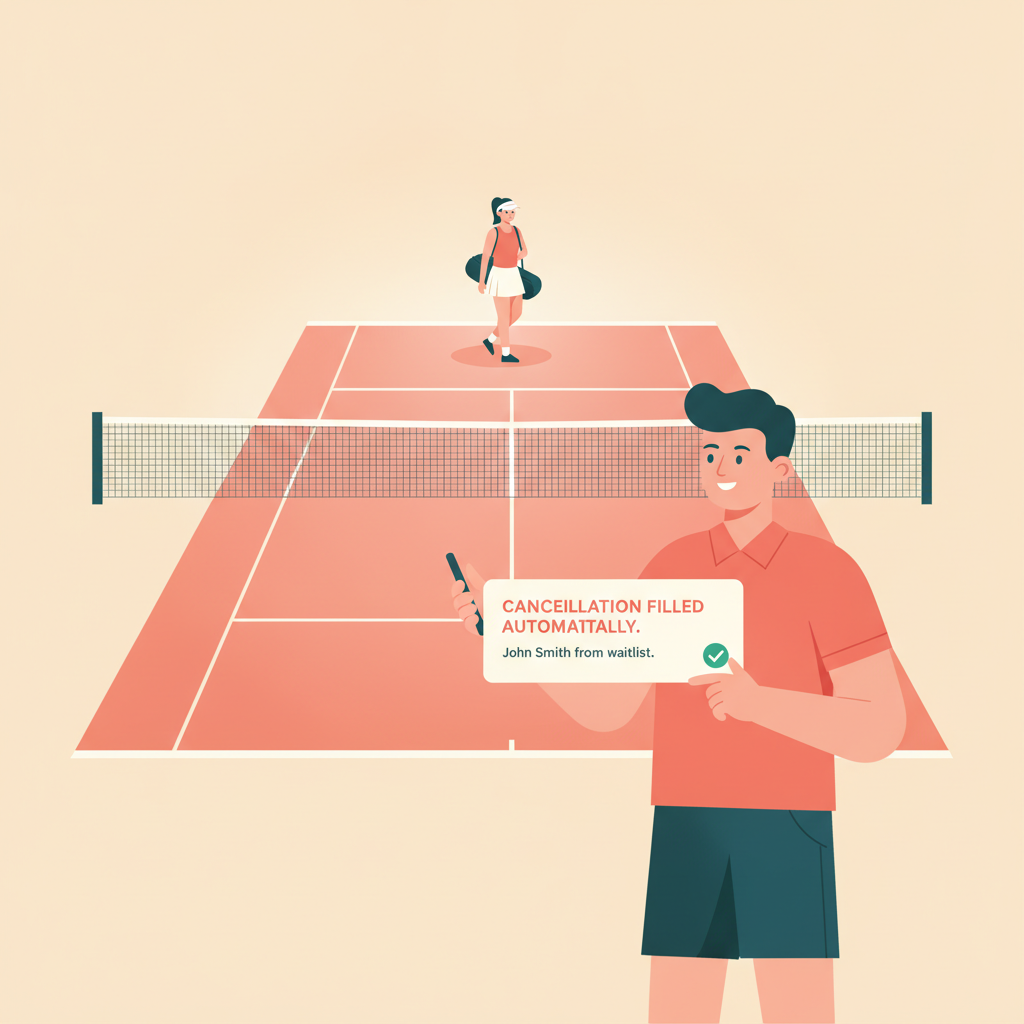
Waitlists make this possible. When a member cancels — whether inside or outside the cancellation window — the system should immediately notify the next person on the waitlist for that slot and hold the court for a configurable window (15 minutes is typical) for them to confirm. If they don't confirm, the next person in queue is notified.
Automated waitlist management can recover an estimated 20–30% of previously lost booking revenue from last-minute cancellations.<sup>[3]</sup> At a busy tennis club, that's meaningful revenue from infrastructure that runs itself after initial setup.
Orhuk's booking system includes configurable waitlists per resource. Members join waitlists when a slot is full; when a cancellation opens it, the system works through the waitlist automatically. You see the waitlist state in real time and can override it manually when needed.
When Deposits Make Sense
Deposits are the strongest tool against no-shows, and the one most likely to cause member friction if applied uniformly. Used selectively, they're effective; applied to every open-play reservation, they create an experience that makes casual members hesitate before booking.
The cases where deposits make sense:
High-demand time slots. Prime-time courts (weekday evenings, weekend mornings) have real waitlists — if a member holds a slot and doesn't show, someone genuinely missed their chance. A small deposit on peak-hour bookings is defensible and expected by most members.
First-time members. New members have no booking track record. A deposit on first bookings removes the risk while they establish their reliability.
Large group bookings. Booking four courts for a corporate tennis event is a significant commitment. A deposit — a percentage of the full fee — secures the revenue before the day.
Orhuk lets you configure deposit requirements per session type, resource, or time block. You set the amount and when it applies; the system collects it at booking and reconciles it against the final payment or refunds it automatically when the member shows. How [tennis club membership tiers](/blog/tennis-club-membership-tiers-guide) interact with deposit requirements — specifically which tiers are exempt — is covered in that guide.
---
No-show revenue loss is recoverable. Automated reminders, cancellation policies enforced by software (not staff), waitlists that fill cancellations in real time, and selective deposits applied to high-risk bookings create a layered system that significantly reduces empty courts without making booking friction-heavy for reliable members.
Orhuk handles all of this inside one system — reminders, cancellation policies, waitlists, deposits, and no-show logging — configurable per session type and resource. Court facilities typically go live the same day with full booking and policy enforcement active.
Sources
[1] USTA — "Tennis participation continues to surge with six consecutive years of growth, reaching 27.3 million players in 2025" (usta.com, 2025) [2] SuperSaaS — Research on automated reminder impact on no-show rates for appointment-based businesses (supersaas.com) [3] Book & Go Blog — Automated waitlist management and booking revenue recovery from last-minute cancellations (bookandgo.app)
Related guides - [Tennis Club Management Software: The Operator's Buying Guide](/blog/tennis-club-management-software-guide) - [Tennis League Management Software: What Clubs Need in 2026](/blog/tennis-league-management-software) - [Tennis Club Membership Tiers: The Complete Pricing Guide](/blog/tennis-club-membership-tiers-guide)
Frequently Asked Questions
- What is the most effective way to reduce no-shows at a tennis club?
- Orhuk reduces no-shows through a layered automation stack: automated reminders at 24-hour and 2-hour intervals before each session, configurable cancellation windows with automatic fee enforcement at the moment of cancellation, and waitlist management that fills open slots automatically when a cancellation occurs. The combination is more effective than any single tactic — reminders prevent most no-shows, policies enforce consequences for the remainder, and waitlists recover revenue from slots that go empty regardless.
- Should I charge a no-show fee at my tennis courts?
- Orhuk supports configurable no-show fees applied automatically when a booking is marked as no-show — no manual invoicing required. Common structures for tennis clubs: $10–$25 flat fee for no-shows on free open-play reservations; full session fee for no-shows on paid private lesson bookings; 50% of the session fee for cancellations inside the policy window. Consistent automatic enforcement matters more than the specific amount — manual fee application is inconsistent and degrades under operational pressure.
- How does a tennis court waitlist work in booking software?
- Orhuk's waitlist works automatically: when a court slot is full, members join a digital waitlist for that specific slot. When a cancellation occurs, the system notifies the first waitlisted member with a hold window (typically 15 minutes) to confirm the booking. If they don't confirm, the next person in queue is notified. This requires no staff involvement and runs in real time, recovering court time that would otherwise sit empty after a late cancellation.