Gym Equipment Checkout Software: The Facility Manager's Guide
2026-05-04 · 7 min read
Sign-out sheets don't prevent equipment loss — they just create a paper trail nobody checks until something's gone. Here's how digital gym equipment checkout software works and what to look for.
A kayak goes missing from the equipment room. A climbing harness gets signed out by a student who never returns it. A commercial gym's foam rollers walk out the door over a weekend. Manual tracking — sign-out sheets, front-desk notebooks, spreadsheets — doesn't prevent any of this. It just creates a paper trail that nobody checks until something's already gone.
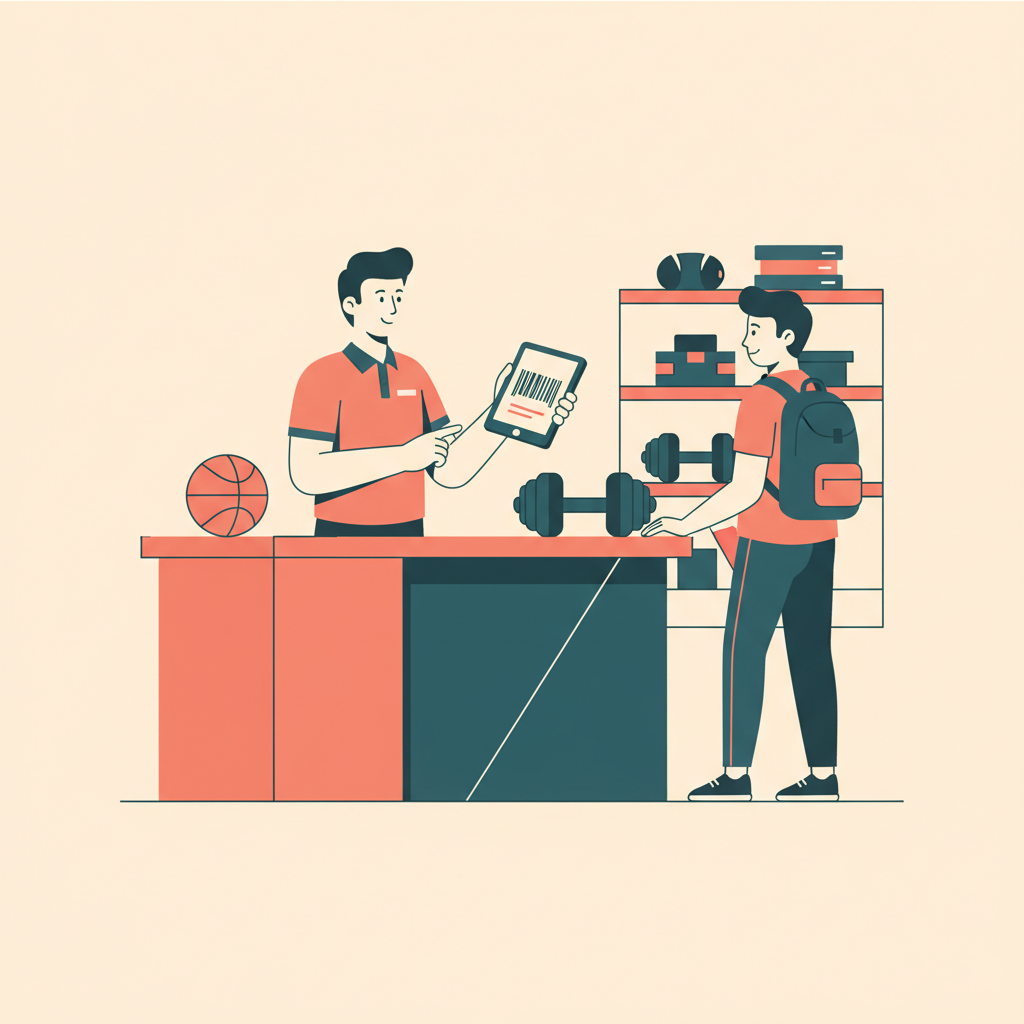
Gym equipment checkout software solves this by digitizing the sign-out process: staff scan a barcode or QR code, the item is logged out to a specific person, and the system tracks what's out, what's overdue, and what's been damaged. For facilities running high volumes of equipment or serving populations with accountability requirements, this changes the operating model entirely.
Why Manual Equipment Tracking Breaks Down
Manual equipment sign-outs fail in predictable ways. Staff are busy — the front desk has check-ins to handle, questions to answer, and phones ringing. A notebook sits beside the desk, but entries are illegible, incomplete, or missing entirely. Nobody knows which harness is in bay three versus which one left with the 9am group.
When damage happens, there's no audit trail. When equipment goes missing, the loss gets discovered weeks later during an inventory count — at which point you have no idea who last had it.
The cost adds up faster than operators expect. Many facilities find that equipment loss from theft, damage, and wear — combined with staff time spent on manual reconciliation — represents a meaningful line in the operating budget. The liability exposure is separate: without a digital record, demonstrating that a customer was issued a properly-maintained piece of equipment in a dispute is far more difficult.
How Gym Equipment Checkout Software Works in Practice
The core mechanics are straightforward: every piece of equipment gets a barcode or QR code label. When a customer checks something out, staff (or the customer, via self-checkout kiosk) scan the item and their ID or membership card. The system logs the checkout with a timestamp, associates it with a customer profile, and tracks the expected return time.
When the item comes back, a scan closes the checkout. If it doesn't return, the system flags it as overdue — automatically, without staff having to cross-reference a sheet. Damage can be logged at return with notes and photos.
In practice this looks like: a university rec center student taps their student ID at a front desk terminal, scans the racquetball racket they want, and the checkout is logged in under five seconds. A staff member checking it back in at day's end does the same in reverse.
The integration with a broader facility management platform matters here. When equipment checkout is connected to the same system handling bookings, memberships, and customer profiles, you get visibility across all customer activity — not just isolated checkout records.
University Rec Centers vs. Commercial Gyms: Two Different Problems
University recreation centers and commercial gyms both need equipment checkout, but the emphasis differs.
Universities are primarily managing accountability. Students check out equipment — climbing harnesses, kayaks, camping gear, recreation supplies — on their student ID. The university needs a clear record linking equipment to an individual, because damaged or lost equipment has a clear path to billing or disciplinary action. Schools including the University of Texas RecSports, University of Arizona Recreation, and Cornell Recreation run formal equipment checkout programs where the ID-linked audit trail is essential.<sup>[1]</sup>
Commercial gyms are primarily managing loss prevention and customer experience. Members can't walk out with a kettlebell, but smaller items — resistance bands, jump ropes, foam rollers, boxing gloves — disappear regularly. The goal is fewer losses and faster staff turnaround, not disciplinary accountability. The system also supports maintenance: flagging equipment that's been signed out heavily or returned with damage creates a maintenance trigger before something breaks mid-use.
Both settings benefit from the same core functionality — digital sign-out, barcode scanning, customer linkage, overdue alerts — but the workflows and downstream consequences differ.
What to Look for in Equipment Checkout Software
When evaluating options, these features separate purpose-built solutions from generic inventory tools:
Barcode and QR scanning — Must be mobile-first and fast. If checkout takes longer than a handwritten form, staff will default back to paper.
Customer profile linkage — The checkout needs to tie to an actual person, not just a generic log entry. Integration with your existing membership or customer database is essential.
Overdue and damage alerts — Automatic notifications when items are past their return window, plus a damage log at return. Without these, the system is just a fancier spreadsheet.
Bulk inventory management — Multiple units of the same item (10 identical resistance bands, 6 identical harnesses of the same size) need to be tracked individually, not as a single count.
Integration with bookings and memberships — Equipment checkout shouldn't live in a silo. When it connects to your scheduling and customer management system, you get a full picture of how each customer uses your facility.
Self-checkout capability — For high-traffic facilities, a self-checkout kiosk or mobile scan option keeps the front desk from becoming a bottleneck during peak hours.
The Platforms Facility Managers Compare
Orhuk — Includes equipment and inventory tracking as part of a full facility operations platform. Checkout ties directly to customer profiles, booking history, and membership status — giving a unified view of every customer's activity. Used at university scale: one institutional client manages over 700 inventory items through the platform. Free plan; Pro at $49.99/mo; Business at $99.99/mo.
Asset Panda — Asset management platform used by enterprises and universities. Comprehensive tracking with RFID and barcode support, but not integrated with fitness-specific operations like bookings or memberships.
Cheqroom — Equipment checkout software popular with AV departments and universities. Clean interface but no integration with gym memberships, booking systems, or customer profiles.
Snipe-IT — Open-source asset tracking. Flexible and free but requires technical setup and doesn't connect to facility operations.
The most useful question to ask is whether the software needs to stand alone or integrate with the rest of your operation. If you're already managing bookings, memberships, and customer records in one system, equipment checkout should live there too — not in a separate tool that creates another login and another data source to reconcile.
Sources
[1] UT RecSports, University of Arizona Recreation, Cornell Recreation — public equipment checkout program pages
Frequently Asked Questions
- What is gym equipment checkout software?
- Gym equipment checkout software lets facilities digitally track which equipment is signed out, to whom, and when it's expected back. Staff or customers scan barcodes or QR codes on equipment and the checkout links to a customer profile. The system tracks overdue returns, damage, and inventory in real time — replacing sign-out sheets and manual reconciliation.
- How do universities manage equipment checkout?
- University rec centers use ID-linked equipment checkout programs where students scan their student ID to check out items like kayaks, harnesses, and recreation gear. The student ID linkage creates an accountability trail for lost or damaged equipment. Purpose-built software replaces front-desk notebooks with digital logs that track return times and flag overdue items automatically.
- What equipment can be tracked with gym checkout software?
- Most platforms can track any physical asset with a barcode or QR code: resistance bands, foam rollers, boxing gloves, climbing harnesses, kayaks, racquets, balls, bikes, and other portable equipment. The system tracks individual items (each harness as a separate record) or identical units of the same product, depending on how inventory is configured.
- What's the difference between asset tracking software and gym equipment checkout software?
- General asset tracking tools like Asset Panda or Cheqroom manage equipment sign-outs but aren't integrated with gym-specific operations like bookings, memberships, or customer profiles. Gym-specific platforms connect equipment checkout to the same customer records and booking system the facility already uses — providing a unified view of how each customer uses the facility rather than an isolated log.