Gym Check-In Software: From Front Desk to Automated Entry
2026-04-25 · 6 min read
Your front desk shouldn't be a bottleneck every morning. Here's how modern gym check-in software connects membership, billing, and access — and what to look for before you buy.
Your front desk opens at 5:45am. The first members walk in and get checked in. By 6:10, there are seven people in line. One member's account shows expired. Another transferred from a different location but it didn't update here. A walk-in is asking to pay for a day pass. The front desk is now a bottleneck — and it's not yet 7am.
This is still the opening routine at many gyms and sports facilities in 2026. Check-in looks simple from the outside, but it's where membership status, billing, booking confirmations, and access permissions all intersect — and where gaps in any one of those systems show up as a line.
Modern gym check-in software addresses this not by adding staff, but by moving as much of the verification as possible off the front desk entirely.
Why Check-In Is Where Member Problems Surface
Check-in is operationally significant beyond just recording attendance. It's the first moment your system and your member interact in real time. When those systems aren't connected, check-in becomes where everything falls through.
An expired membership that wasn't automatically renewed shows up when the member arrives at the door — not before. A booking cancelled online but not reflected in your check-in system creates a conflict on arrival. A staff member assigned to yesterday's class who isn't on today's roster only becomes visible when they're already standing at the front desk.
Modern gym check-in software that's integrated with your membership, booking, and billing systems surfaces these issues before they become front desk problems. The member whose card failed last week gets a notification on day one. The booking conflict gets flagged when it's created, not when the member arrives. Check-in becomes a fast verification step — not an investigation.
What Modern Gym Check-In Software Actually Does
An integrated check-in system does more than mark someone as present:
Verifies membership status in real time. When a member checks in — by QR code, NFC tap, mobile app, or kiosk — the system confirms their membership is active and billing is current. If their payment failed last week and renewal is pending, they're flagged before they're waved through. No staff recall required.
Logs attendance for retention monitoring. Attendance data feeds into member engagement tracking. A member who came four times a week and suddenly goes silent for two weeks is an early churn signal. Systems that track attendance automatically surface this without staff manually reviewing records.
Surfaces booking confirmations. For facilities where check-in needs to match a reservation — a court, a class, a training session — the system confirms the booking is valid before entry. Walk-ins who didn't book get routed to available slots rather than standing in an unclear queue.
Connects to access control. Many gyms offering 24/7 or off-hours access link check-in software to door access. The same membership verification that runs at a staffed front desk runs automatically at the door sensor — no staff required for off-hours, and access is tied to live membership status, not a key fob that doesn't know whether a member's card failed.
QR Code, Mobile, and Kiosk Check-In
The check-in technology landscape has shifted significantly in the last two years. According to ASSA ABLOY's 2025 access control survey, 61% of security leaders now rank mobile credentials as a top trend in access management, with 17% of facilities already fully mobile and 42% deploying wireless locks. Gym facilities follow a similar trajectory.
The three most common check-in methods in 2026:
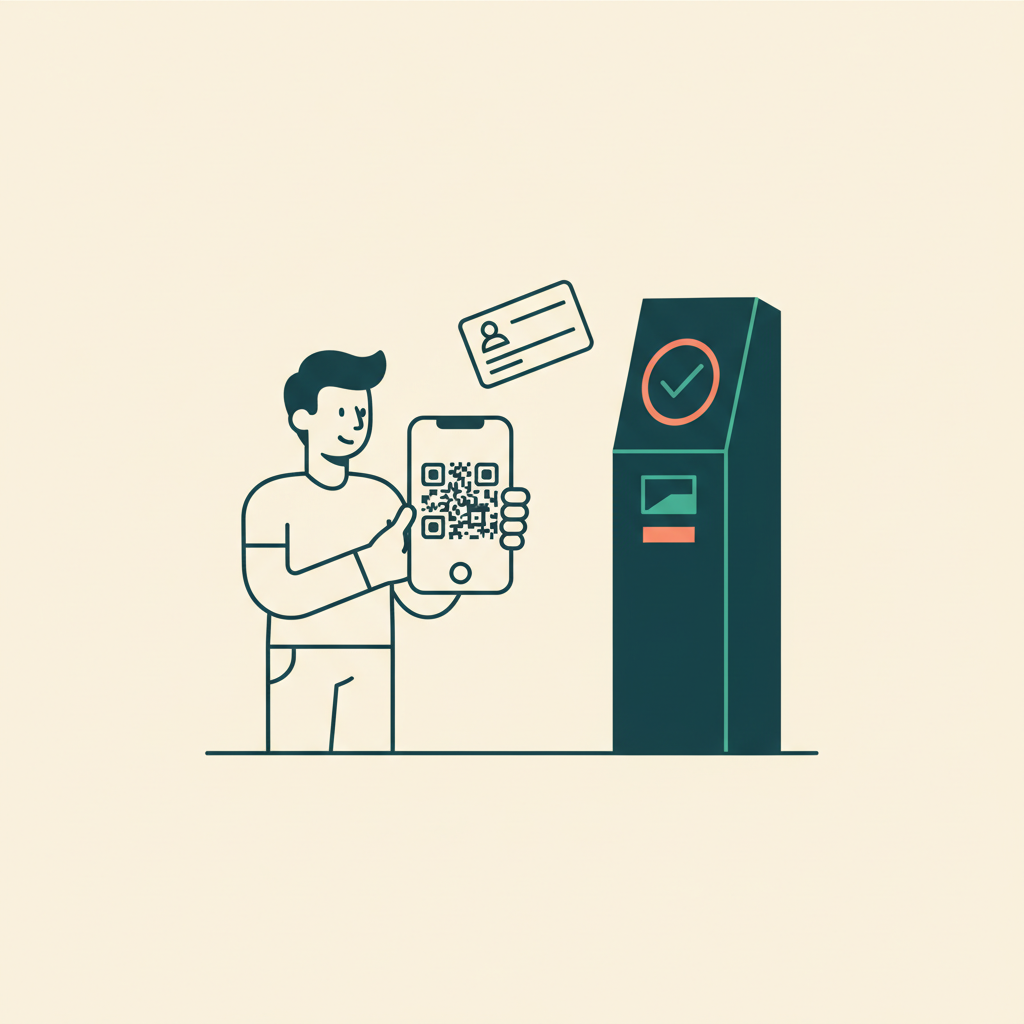
QR code check-in. A member opens their gym app or digital pass, scans a QR code at the door or front desk, and check-in is recorded. Fast, low cost, minimal hardware required. Works well for most gym and studio scenarios.
NFC or mobile tap. Members tap their phone or a card against a reader. Common for 24/7 access facilities where no staff is present and the door itself needs to operate unattended. Requires compatible hardware.
Self-service kiosk. A touchscreen at the entrance where members verify their own check-in — often with a QR scanner built in. Reduces front desk load during peak hours. Useful for high-volume facilities with consistent morning rushes.
The right method depends less on what's technically possible and more on what your members tolerate and what hardware investment makes sense for your volume and operating hours.
Connecting Check-In to Membership and Billing
The value of check-in software multiplies when it connects to your membership and billing data. Standalone check-in systems that just record who walked in are useful for attendance reporting. Integrated systems that verify billing status and membership tier at the moment of entry change the operations entirely.
A member whose payment method fails on renewal day can still check in to a standalone system — because the standalone system doesn't know they're lapsed. An integrated system flags the failure and routes the member to a payment update screen — or alerts staff — before they walk through the door.
Membership tiers with different access rules — pool access versus no pool access, 24/7 entry versus business-hours-only — can be enforced automatically. The system knows what each tier allows and verifies accordingly. Staff don't need to remember who has what.
Class or session limits can be enforced at check-in. If a membership includes 12 visits per month, the 13th visit flags automatically. No manual counting, no awkward desk conversation.
Industry analysis cited by Kisi, a gym access control platform, projects cloud-based gym management growing at 8.4% CAGR through 2034 — driven in part by operators realizing that check-in connected to live membership data is a fundamentally different tool than a standalone attendance log.
What to Ask When Evaluating Gym Check-In Software
Before committing to a platform, verify these specifics:
Is check-in connected to live membership status? Can the system immediately flag an expired membership or failed payment at check-in — or does it just record the visit regardless of billing status?
What happens when a check-in conflicts with a booking? If someone checks in for a class they didn't register for, does the system alert staff — or wave them through?
Does it support your operating hours? If you run 24/7 or early-morning access without staff on-site, the check-in system needs to work unattended. Verify hardware and integration support this before signing a contract.
How does it handle walk-ins? Walk-ins who want to pay for a day pass or drop-in class need a fast path that doesn't require creating a full account. Verify the walk-in flow is quick enough to work at a busy front desk during peak morning hours.
---
The difference between a check-in system that records attendance and one that actually manages the front desk experience is the connections it makes — to membership, billing, booking, and access control — in real time.
Orhuk handles check-in as part of the core platform — barcode scanning and QR check-in connected to live membership status, booking records, and billing for gyms, courts, studios, and recreation centers. Integrated with memberships, waivers, and full facility management in one system. Try it free.